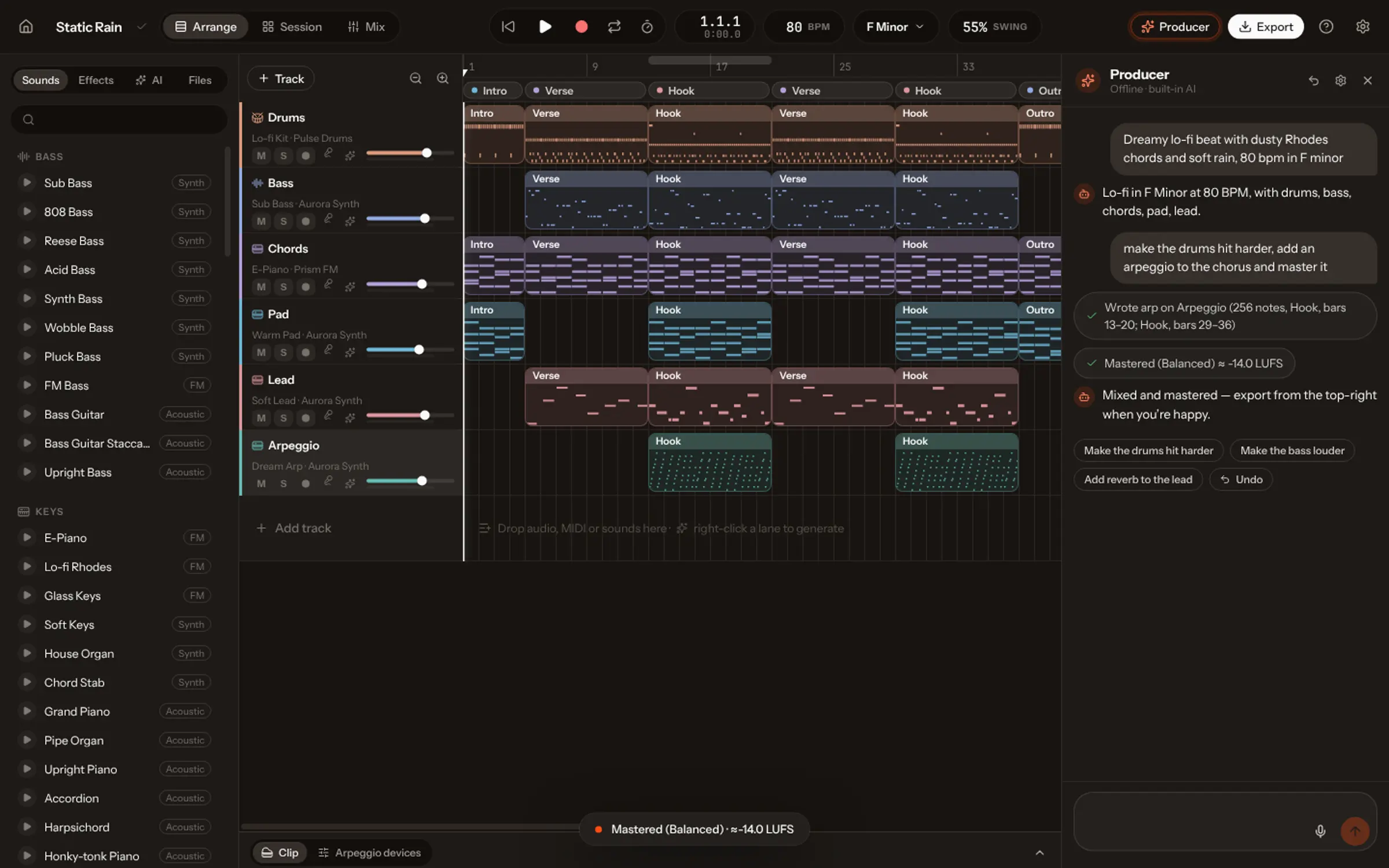
Use a stem splitter: an AI model that pulls a mixed recording apart into vocals, drums, bass and everything else. In Vocals, Split & rebuild does it on your own computer without uploading the file, finds the tempo, key and sections, then rebuilds the drums, bass and other parts as editable MIDI while the vocal stays as audio. Use it on recordings you own or may use.
You recorded a demo on your phone and the vocal is perfect, but the guitar is out of tune. Your band’s rehearsal has a great take of the chorus, buried under the drums. You produced a track years ago and lost the project. Each time, what you want is the same: the mix back in pieces.
That is stem separation, and AI models have made it good enough to use. This guide explains how it works, how to do it in Vocals, and what to expect.
What stems are, and why you want them
A stem is one part of a mix as audio: the vocals alone, the drums alone, the bass alone. With stems you can turn the vocal up, mute the drums, make an a cappella or an instrumental, or remix the song. Separation models listen to the whole mix and estimate which sound belongs to which part, typically in four groups: vocals, drums, bass and other.
First: only recordings you own or may use
A stem splitter is a tool, not a licence. Separating a commercial song doesn’t give you the right to release its vocal, sample its drums or upload a remix. Use it on your own demos, rehearsals and productions, on tracks you licensed, or with the permission of the people who own them. Vocals asks you to confirm this before it starts.
How to split a song in Vocals
- On Create, under Start another way, choose Split & rebuild.
- Drop an audio file: anything from 5 seconds to 12 minutes.
- Confirm the recording is yours, or that you may use it.
- Wait a minute or two for a three-minute song. Vocals separates the vocals, drums, bass and the rest on your computer, and finds the tempo, the downbeat, the key and the sections.
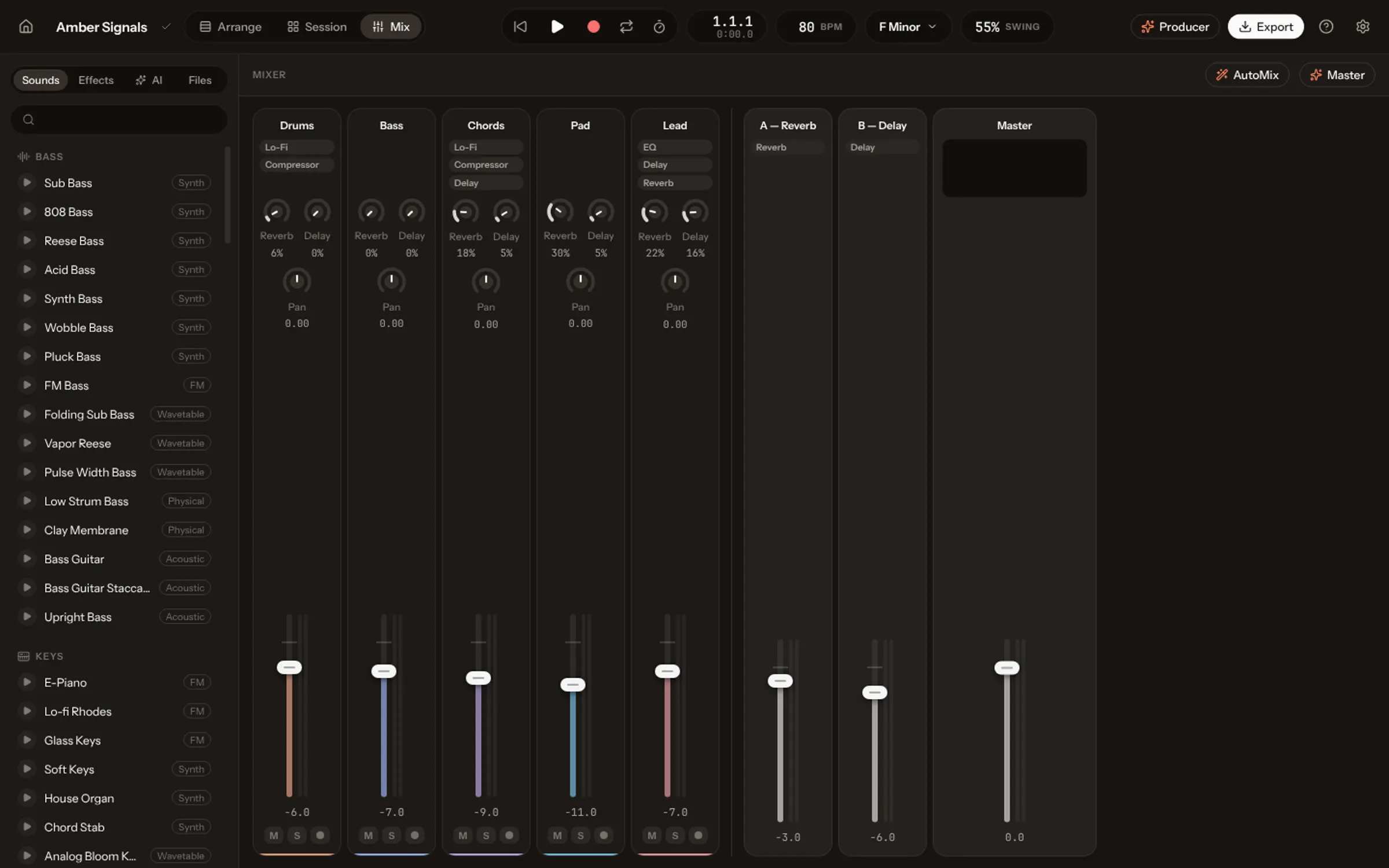
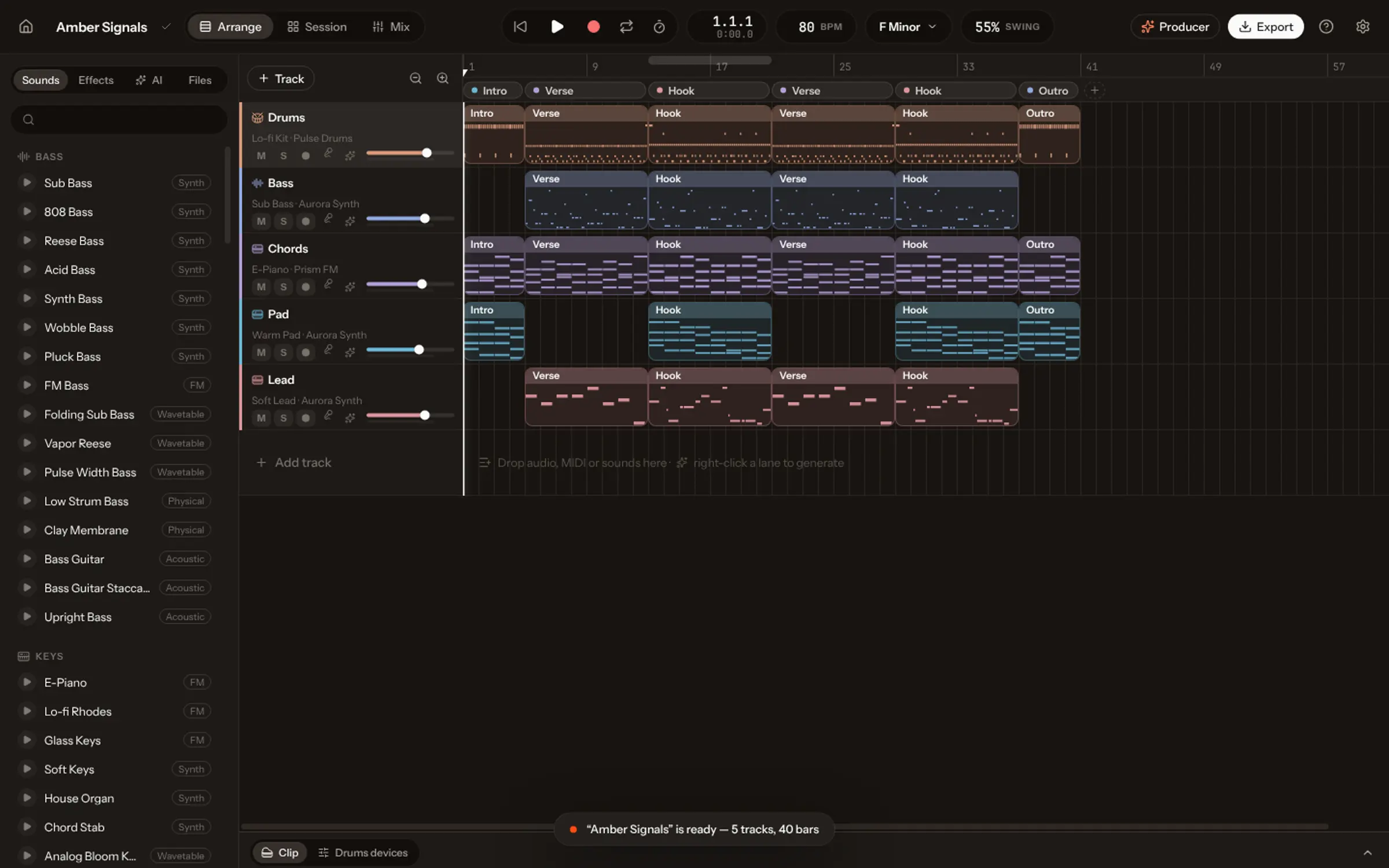
- Open the new song: every part on a track of its own.
From stems to MIDI: the rebuild
Most vocal removers stop at stems. Vocals goes one step further: it listens to the drums, the bass and the other parts and writes them down as notes, then plays those notes on its own instruments. You get:
| Part | What you get | What you can do |
|---|---|---|
| Vocals | Audio, on its own track | Level, effects, cut and move |
| Drums | MIDI on a drum kit | Move any hit, change the kit |
| Bass | MIDI on a bass | Rewrite the line, swap the sound |
| Other | MIDI on Vocals instruments | Change chords and melodies |
| Original stems and mix | Audio, muted underneath | Compare, or use them as they are |
So the song you get back is a new production of the same song, one you can change note by note. It won’t sound exactly like the original, because the parts are played again; the original stems are kept, muted, for when you want the real sound.
Clean recordings split best. A dry vocal over a simple arrangement comes apart much more cleanly than a dense, reverb-heavy master.
Why splitting on your computer matters
Many online vocal removers ask you to upload the file to their servers. For an unreleased demo, that is a copy of your song on someone else’s computer. In Vocals the separation and the note detection run locally: the recording is never uploaded.
What to do with the parts
- Fix a part: re-record or rewrite the out-of-tune guitar, keep the vocal.
- Make an instrumental or a backing track for practice or a performance.
- Re-arrange: new drums, a different bassline, a slower tempo.
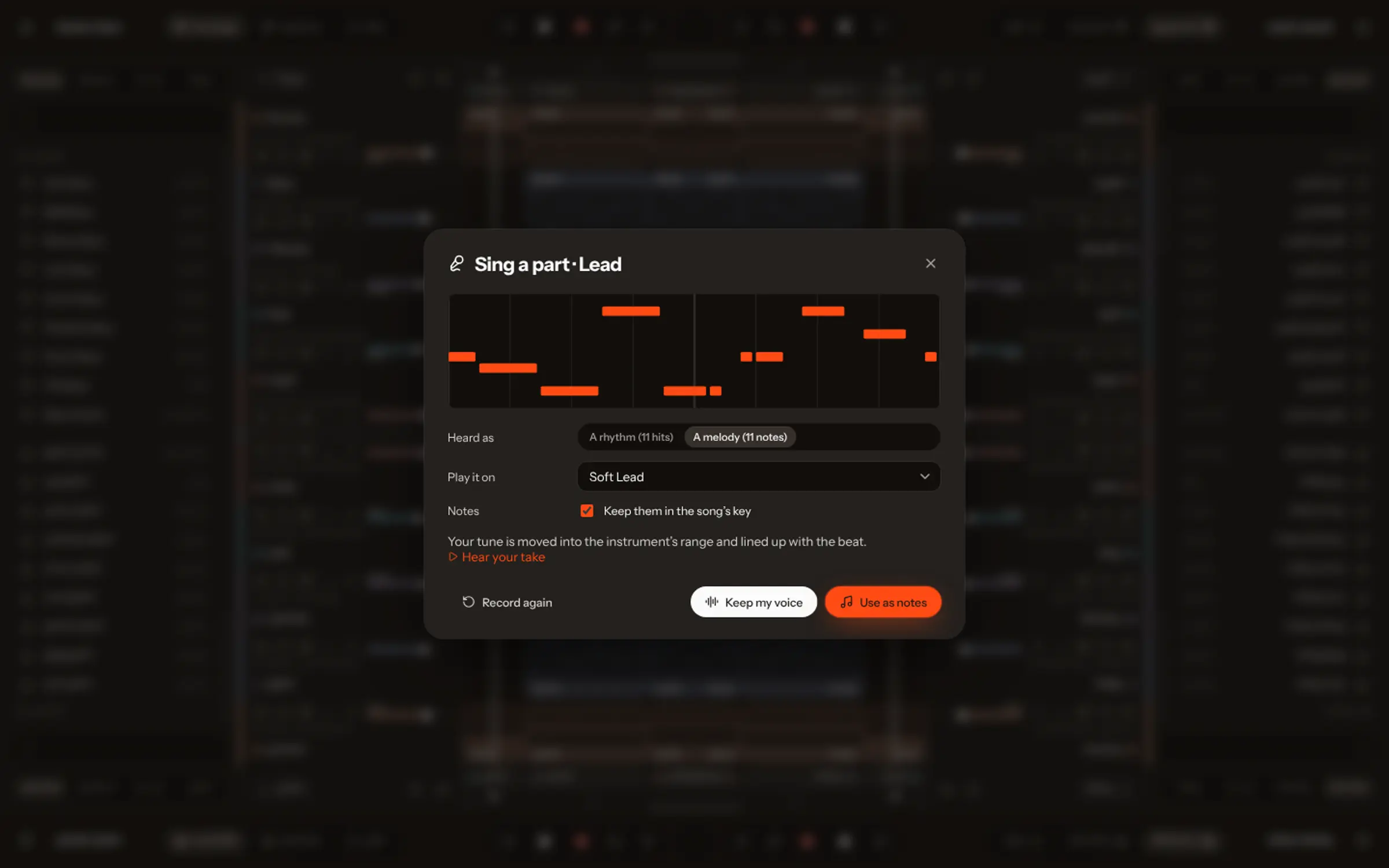
- Sing over it, or hum a new part that plays on any instrument.
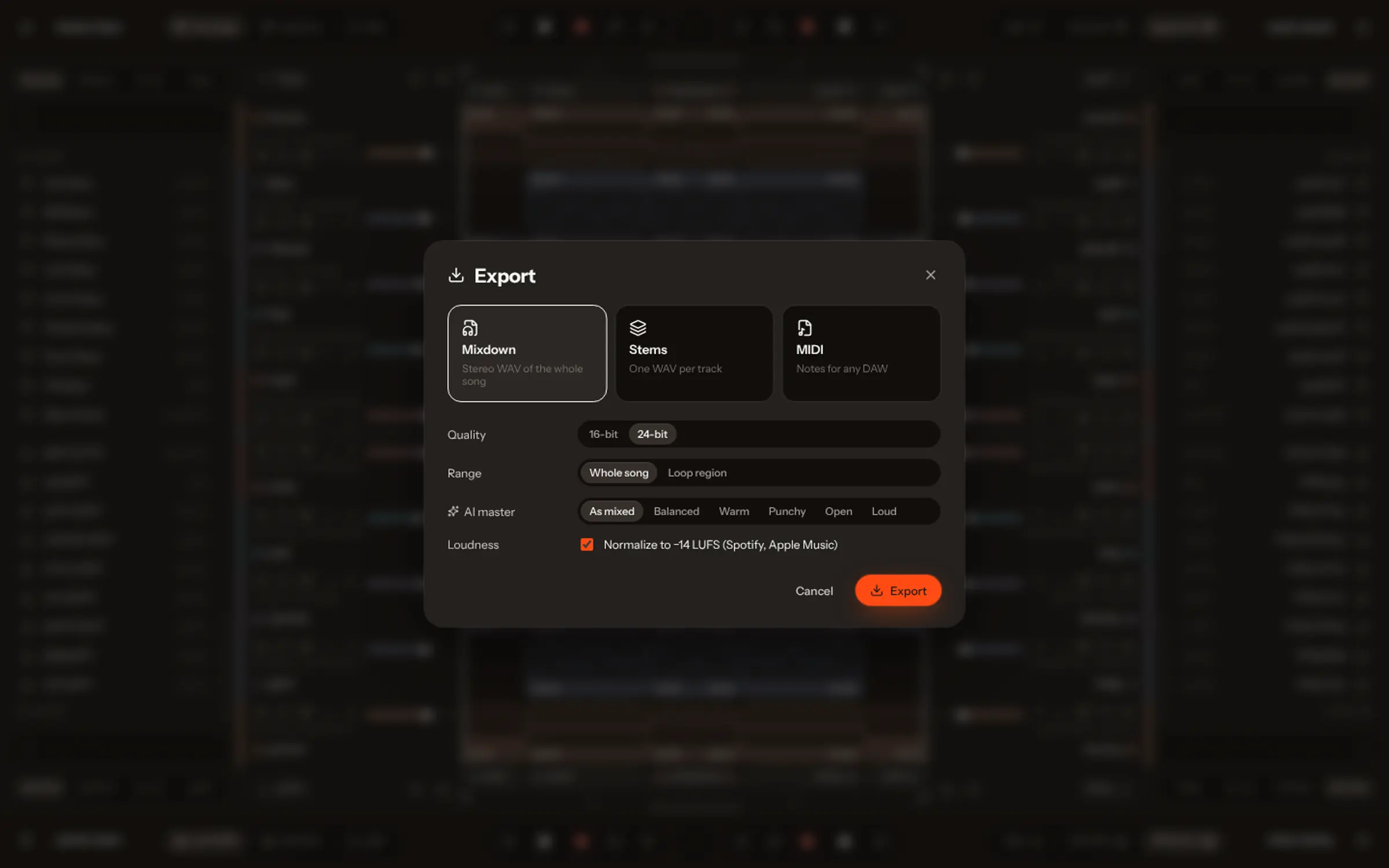
- Export stems for a mixing engineer or a remixer.
Songs made with Vocals’ own AI are split the same way when you open them in the studio: see how to edit an AI-generated song. The Academy has a step-by-step lesson on Split & rebuild.