Vocals Studio
Every note, every knob. Yours.
A full music studio in your browser and on Mac. Press the button and Vocals walks you through your first song in it.
Try it now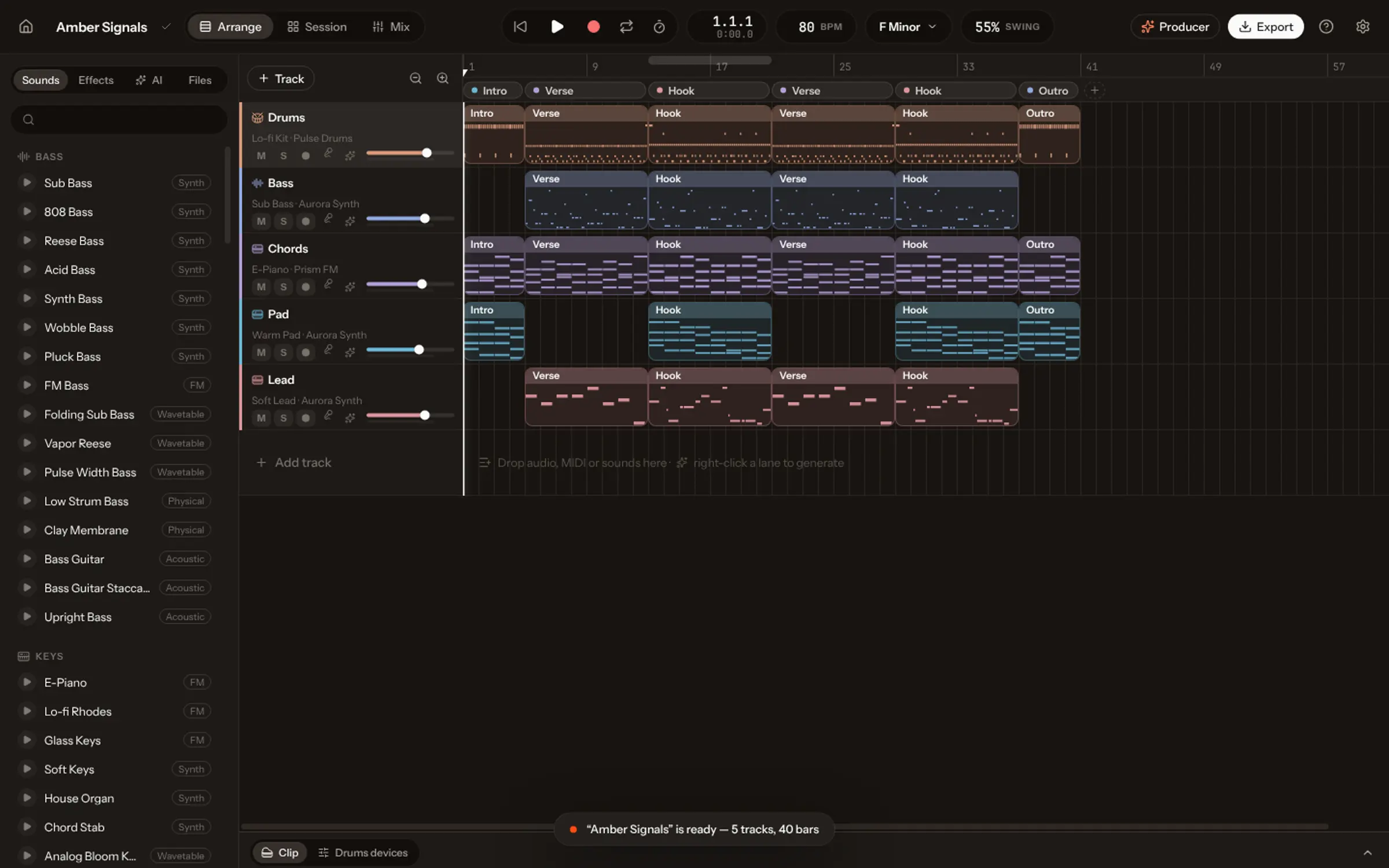
Made in Vocals.
Songs made with Coproducer v2.0, each from one prompt. Press one to play it.
Play it how you mean it.
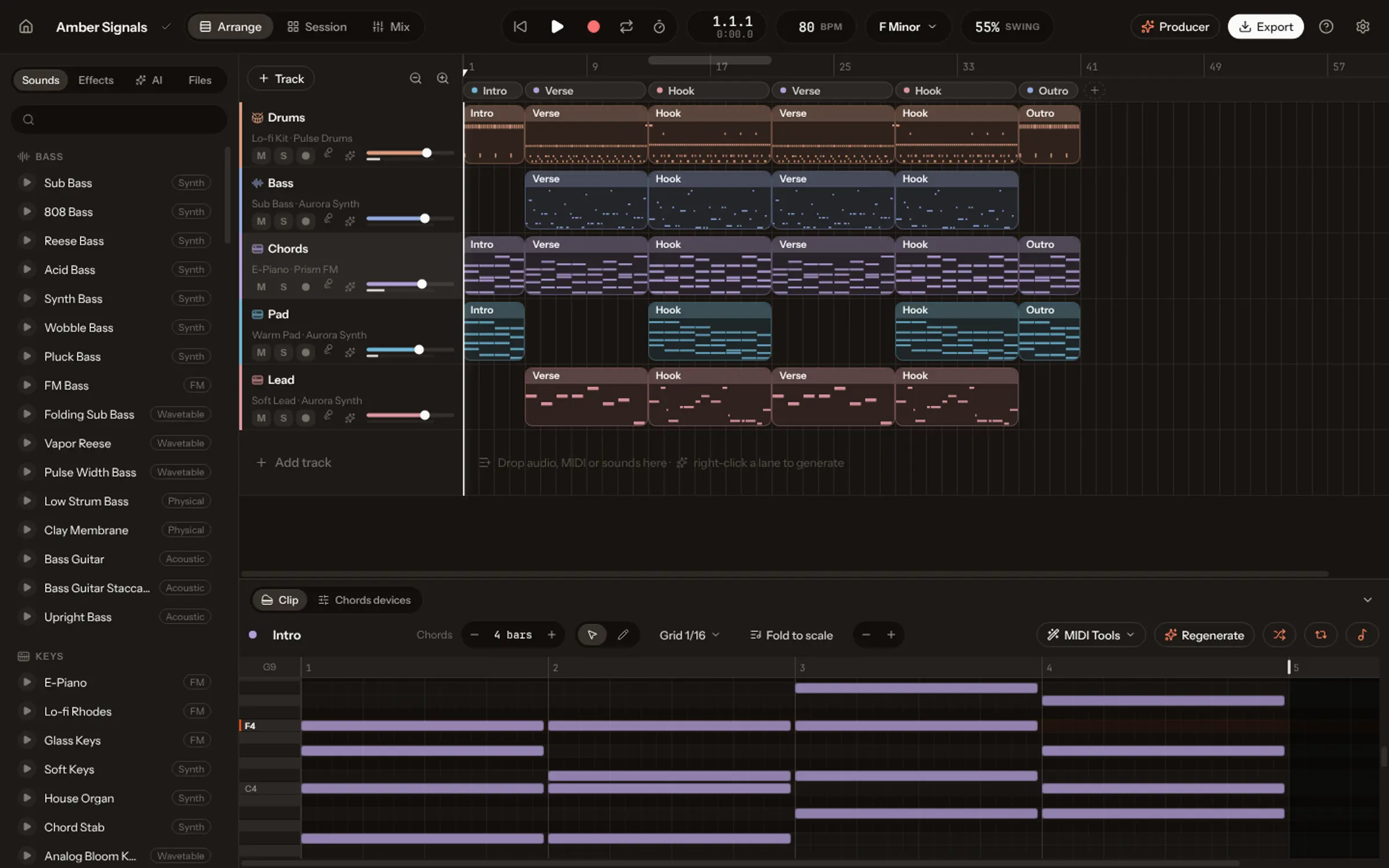
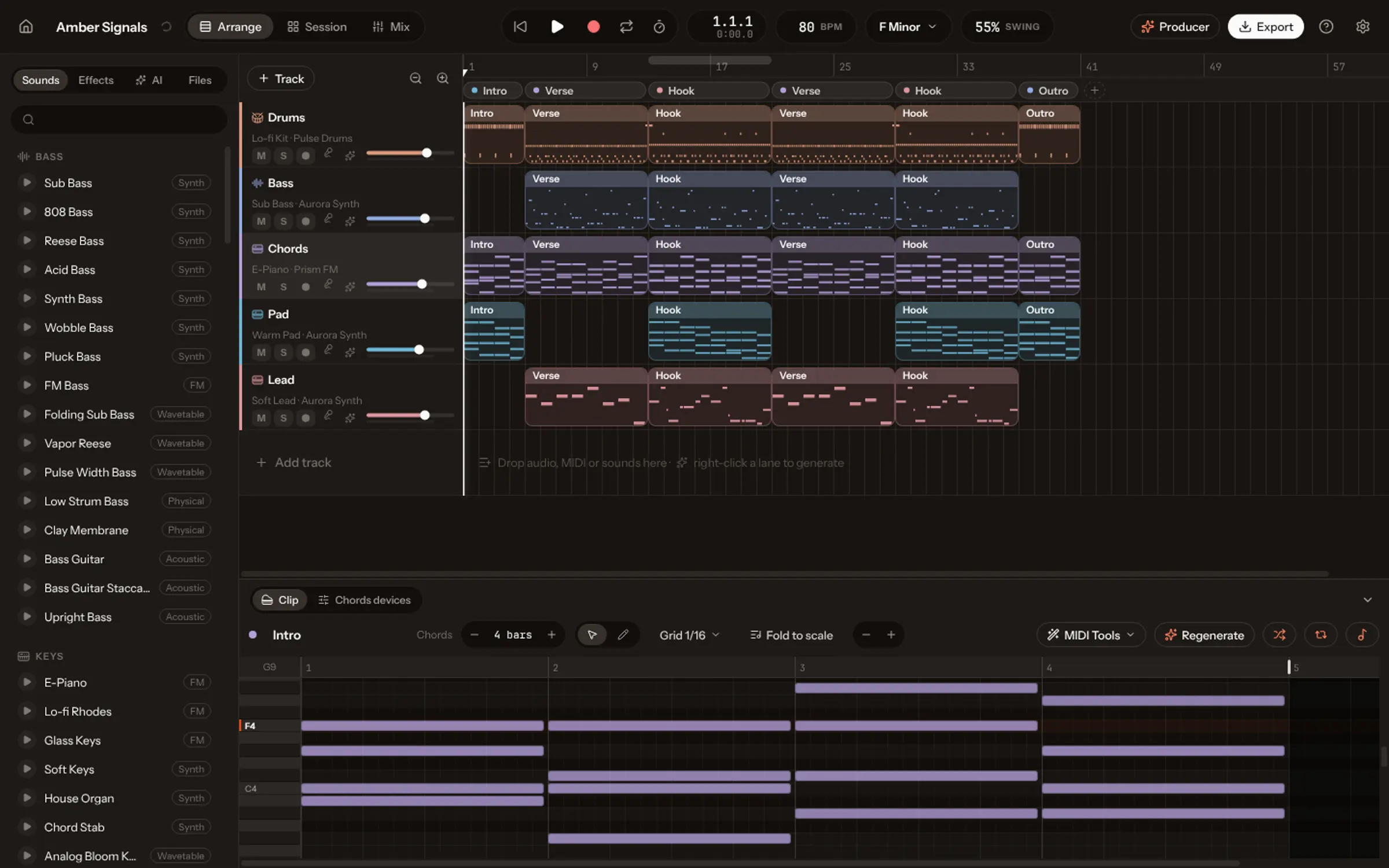
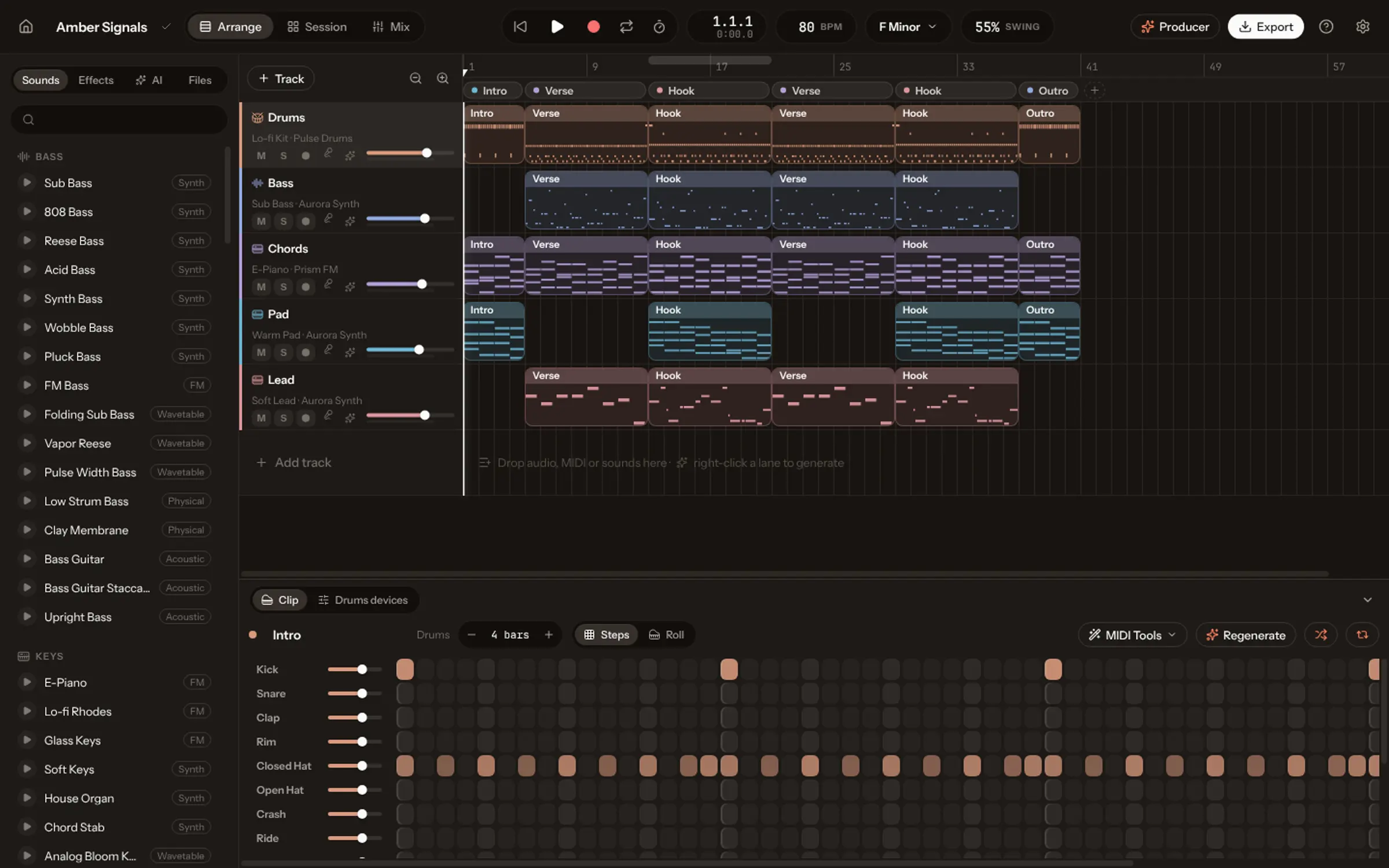
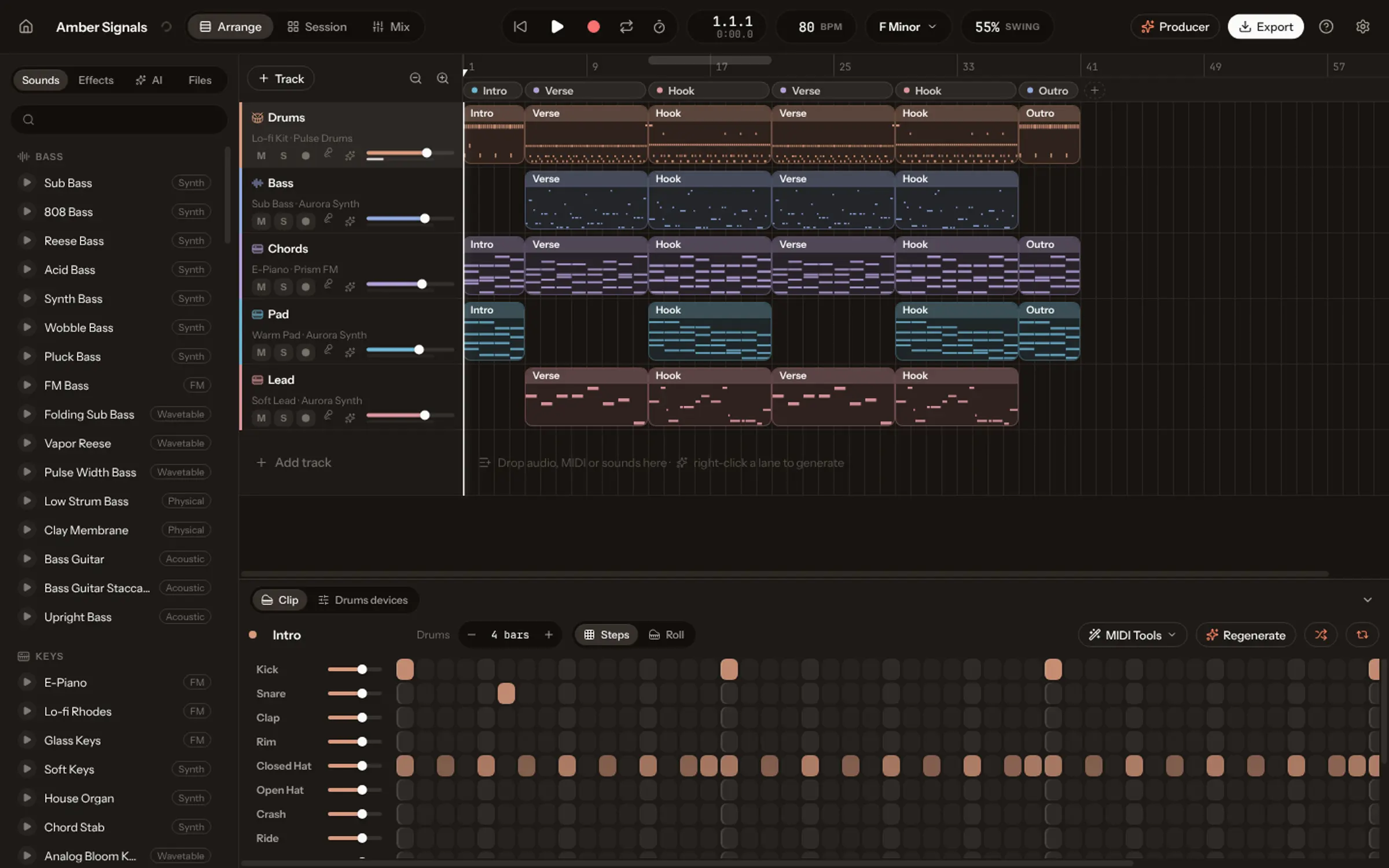
Plug in a MIDI controller or play your computer’s keyboard, and record chords, basslines and melodies on any instrument. Then edit every note in the piano roll and every hit in the drum grid.
- Arpeggiator, chord mode and scale lock for your keyboard or controller.
- 31 MIDI tools: quantize, humanize, harmonize, strum, arpeggiate, continue and more.
- Audio from a microphone, with warp, transpose and gain.
Sounds you shape yourself.
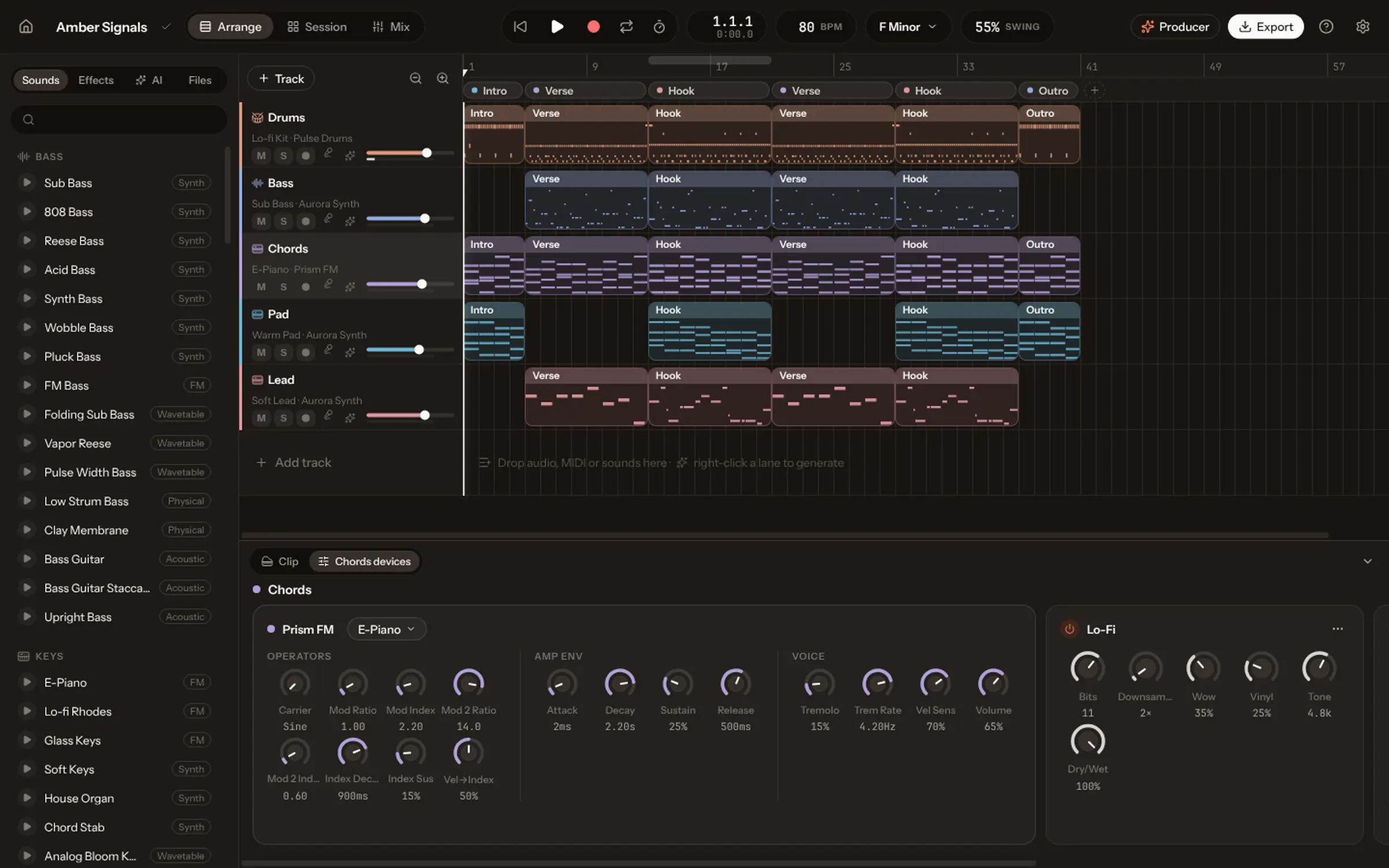
14 effects and ready-made chains, from sidechain pumping with the Ducker to a convolution reverb that takes your own spaces. Turn any knob, or let it move over time.
- Aurora Synth: Classic analog-style synth.
- Prism FM: Electric pianos, bells, plucks.
- Pulse Drums: Seven kits, from 808 to Afro.
- Sampler: Play any sound across the keyboard.
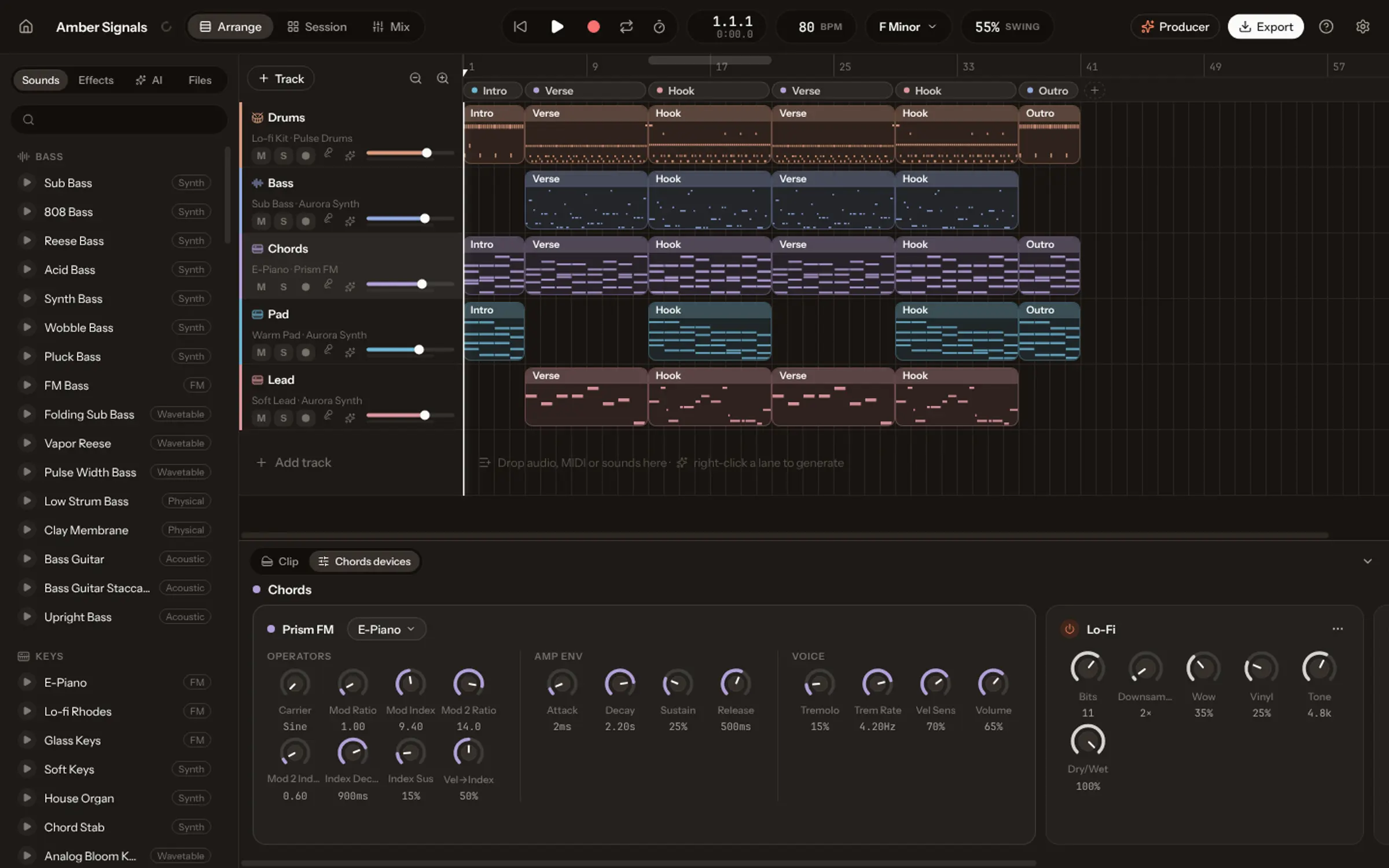
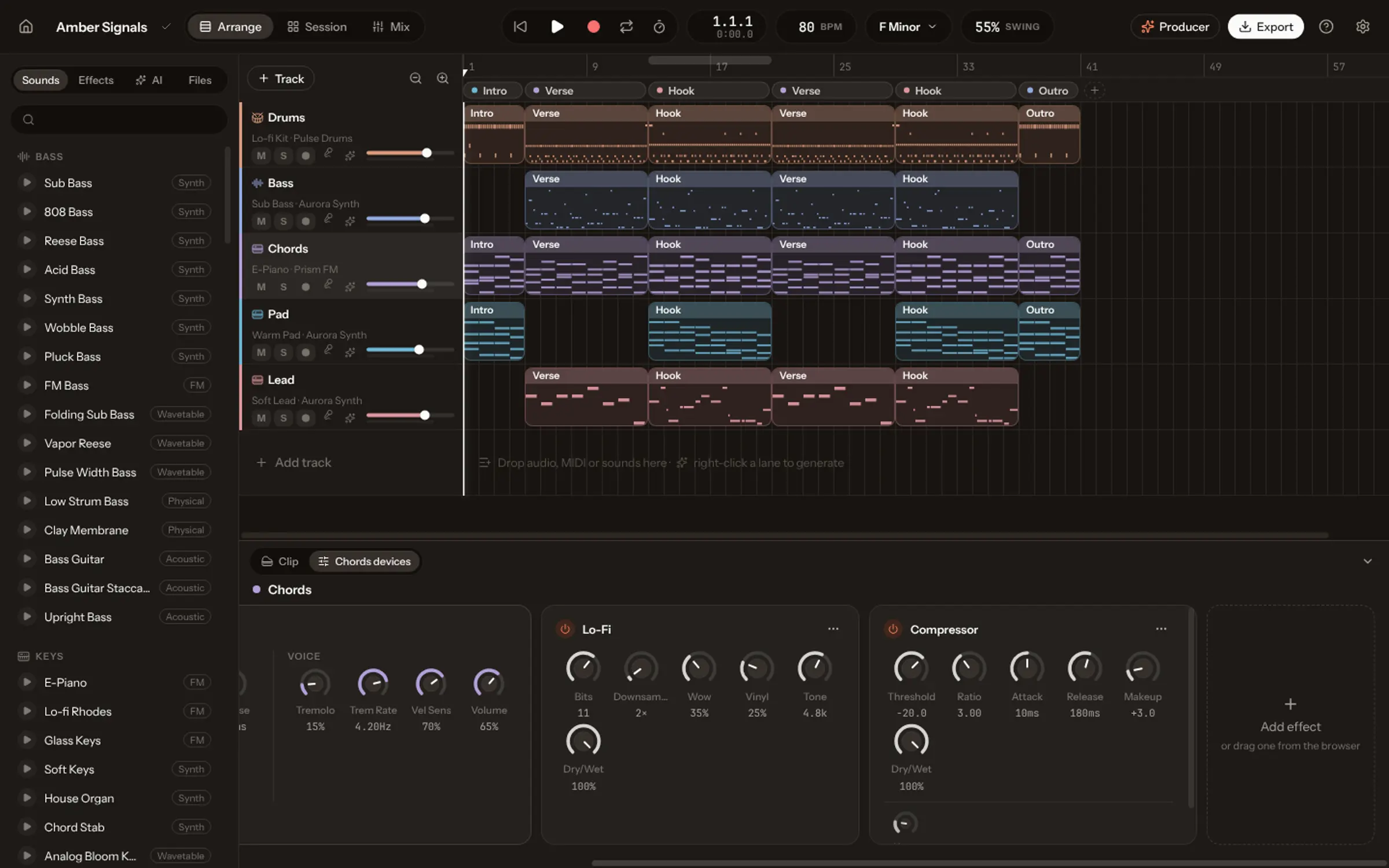
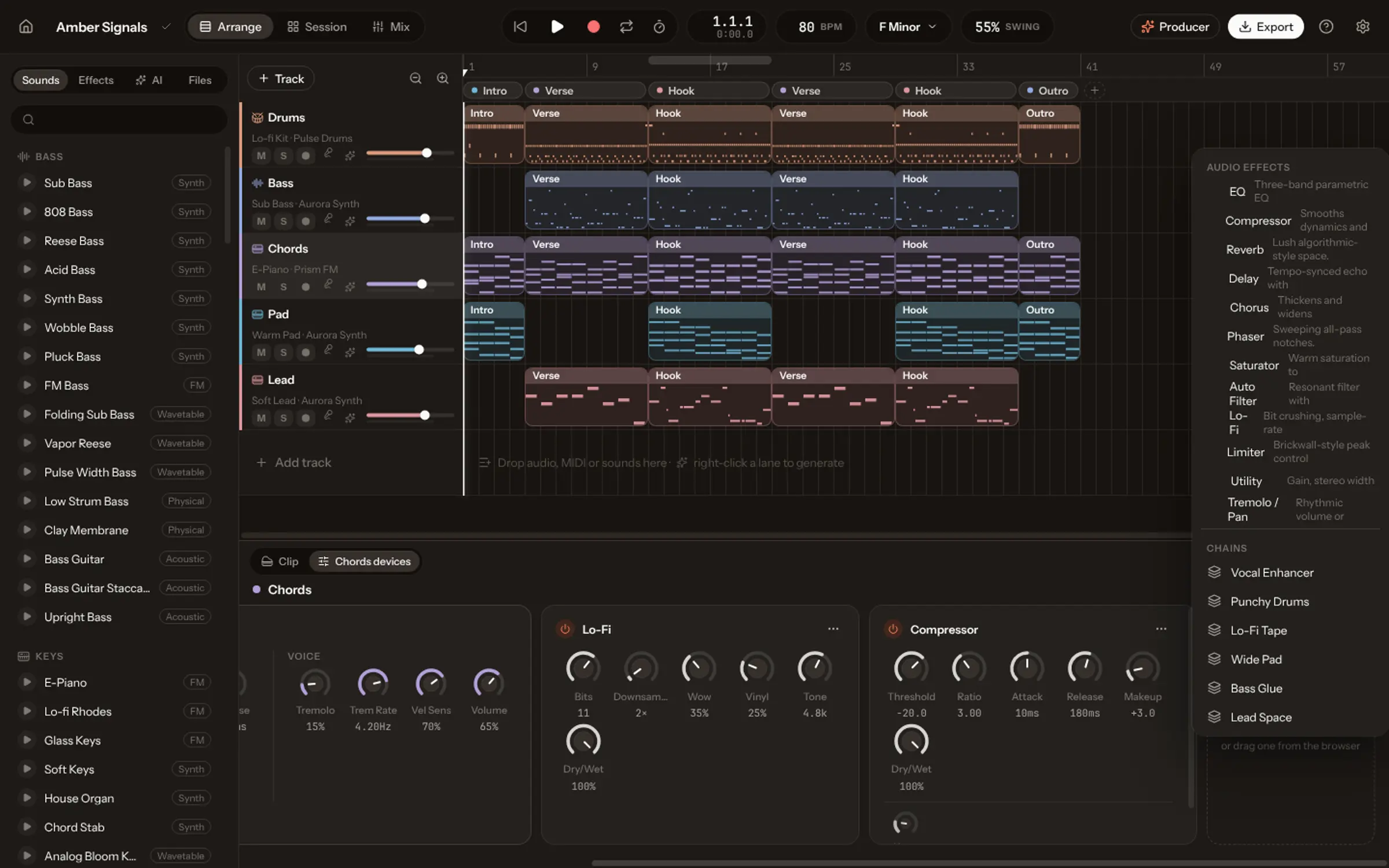
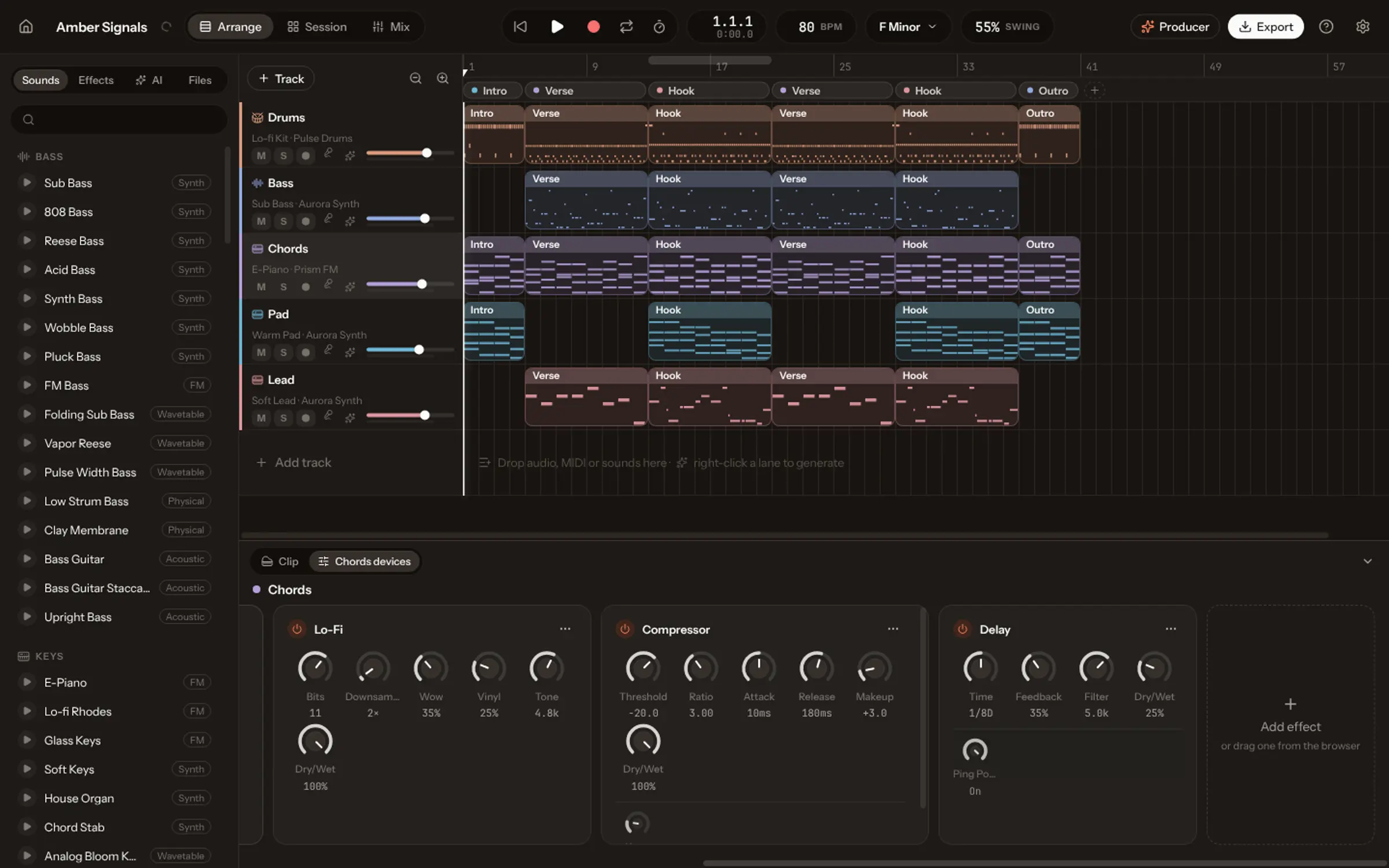
Say the word, build your sound.
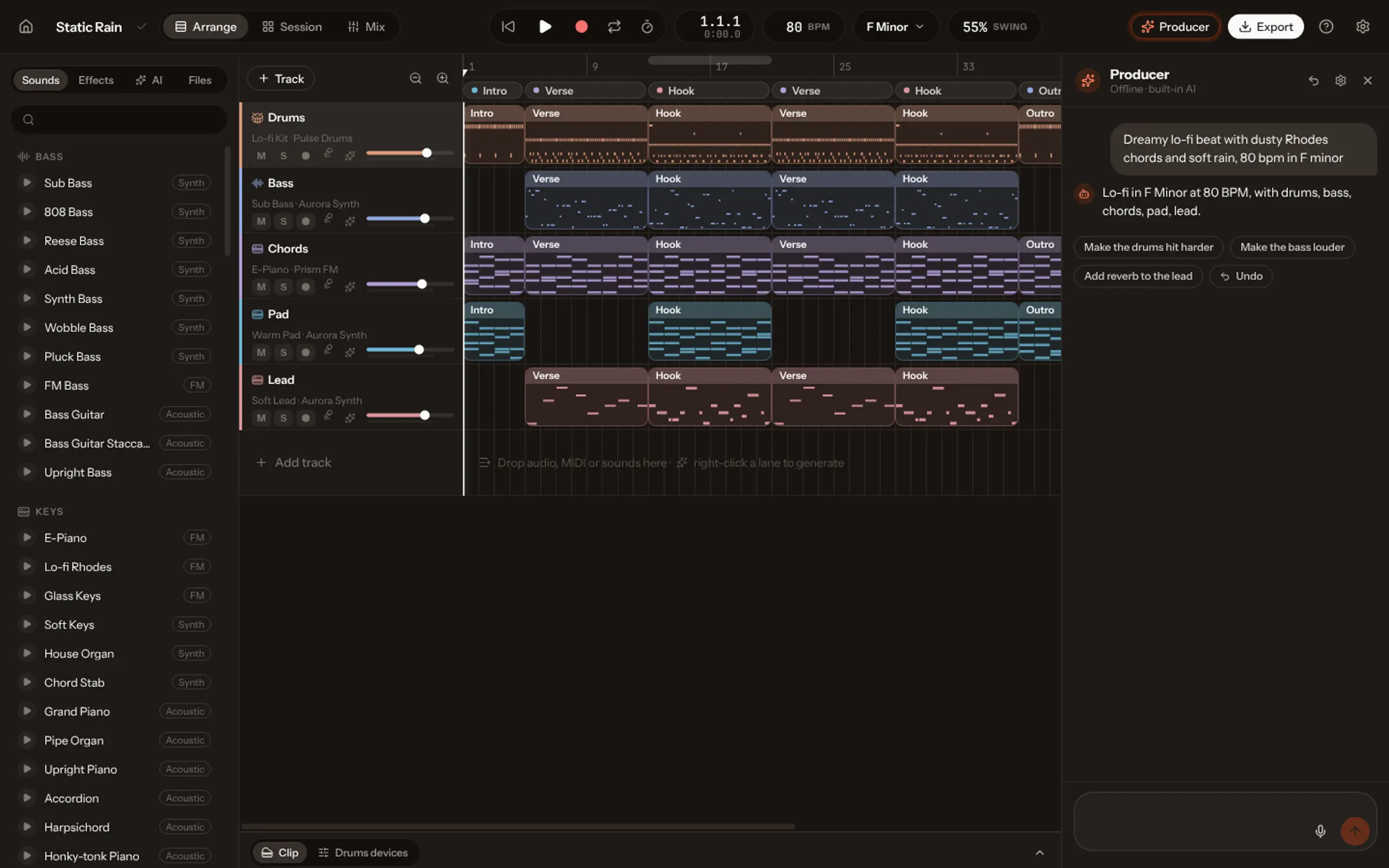
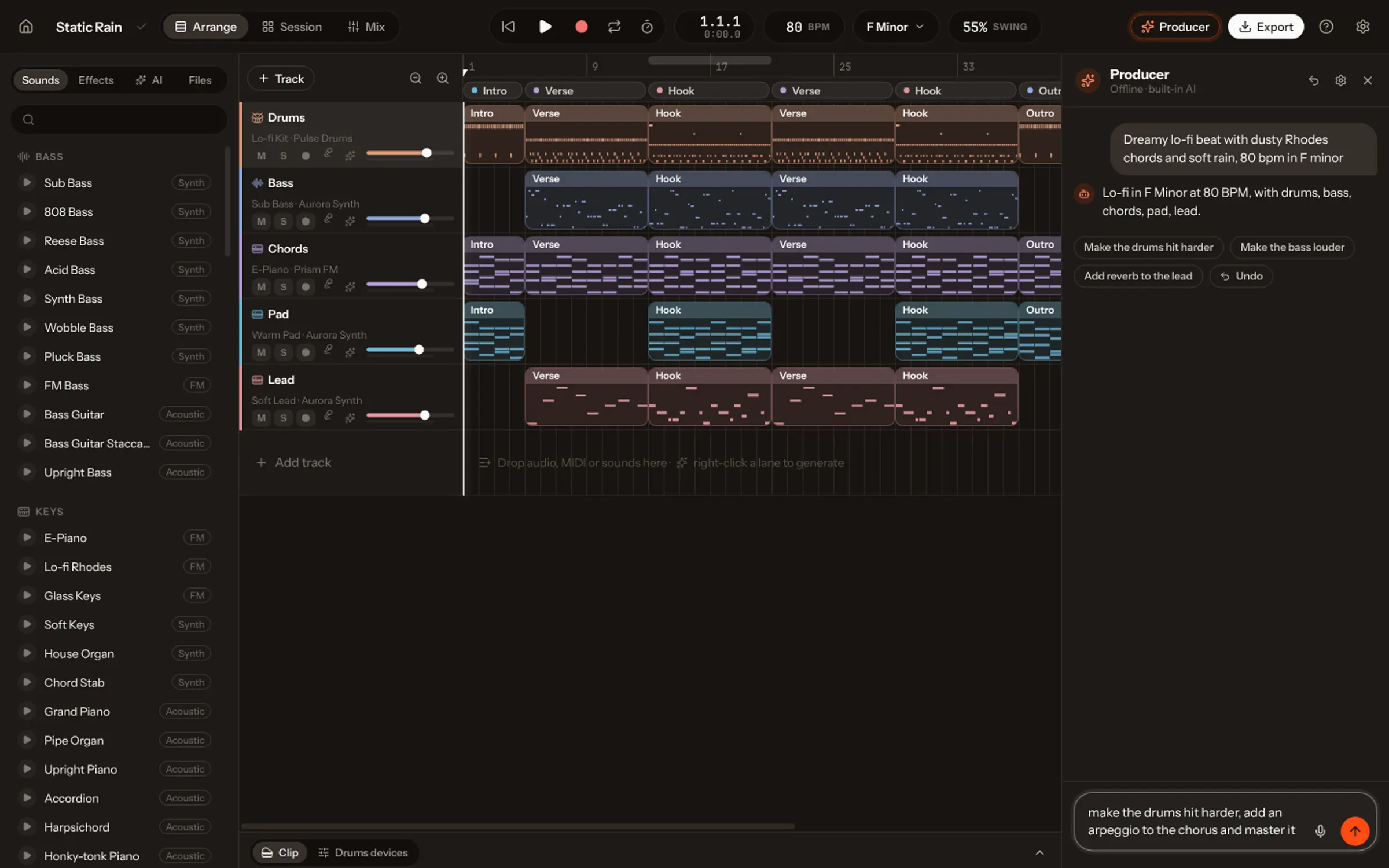
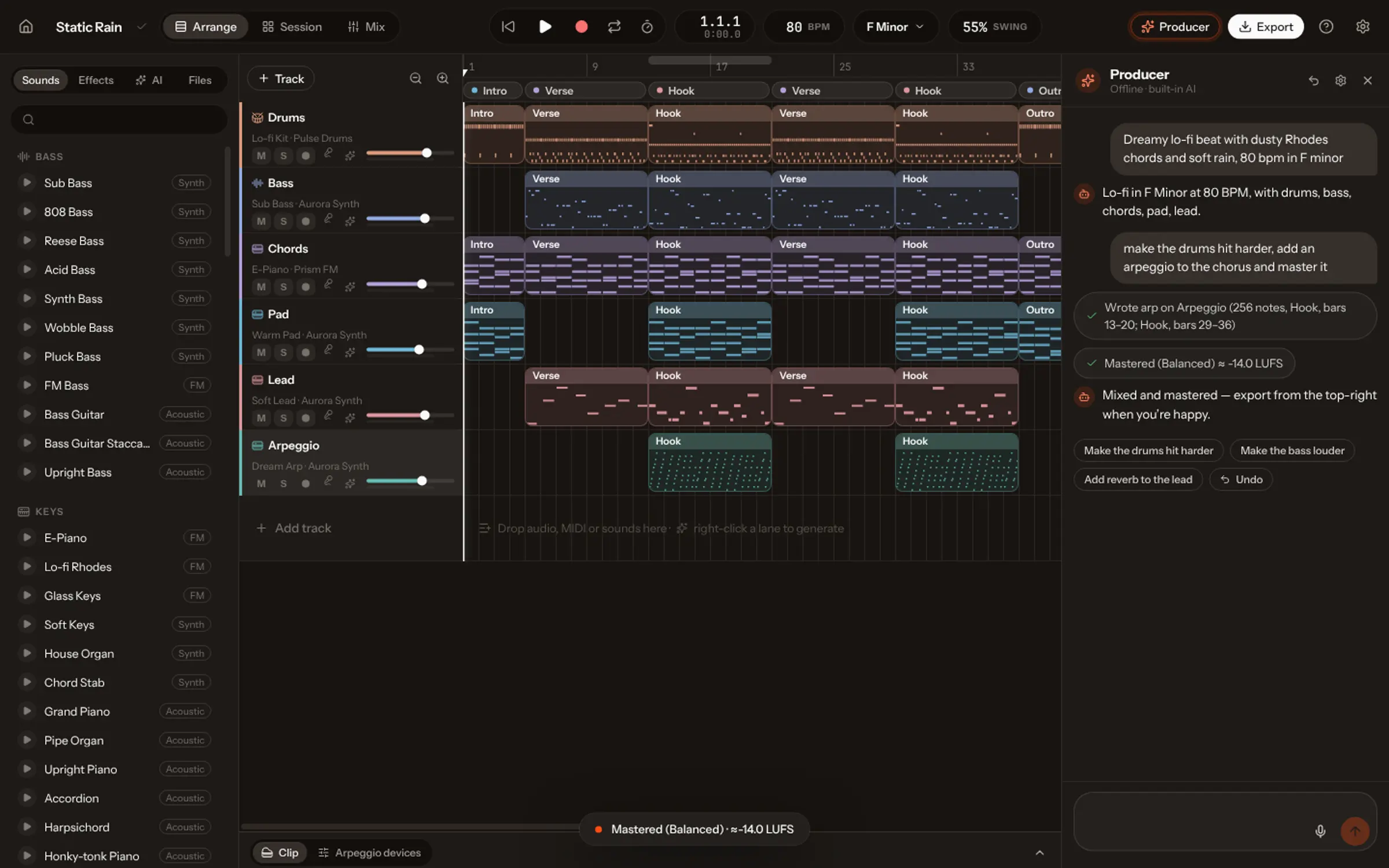
Describe a sound, “a warm detuned pad with a slow attack”, and the AI sets the synth. Ask the Producer in the side panel to write a part, humanize the drums or rename every track.
Mix it. Master it. Export it.
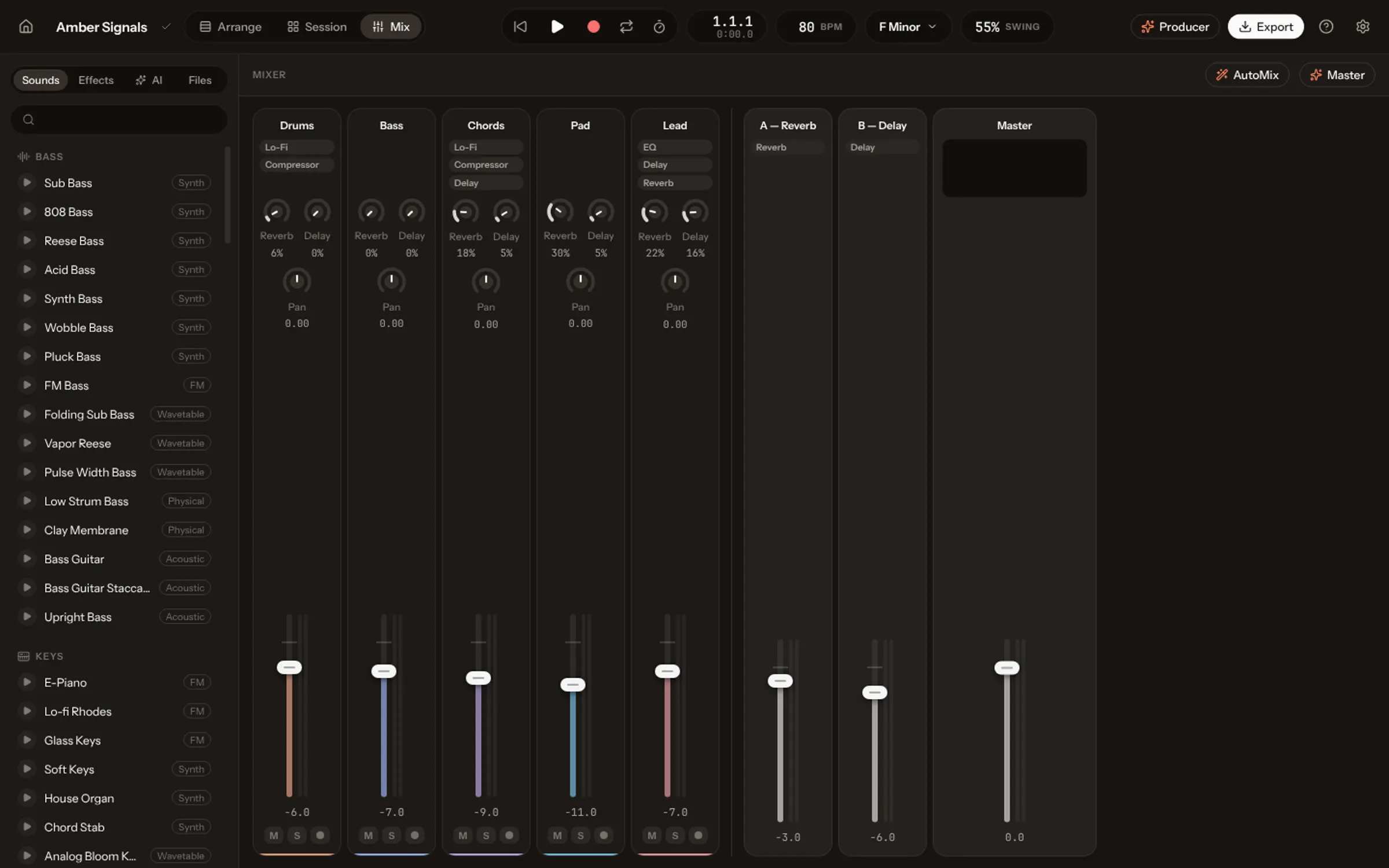
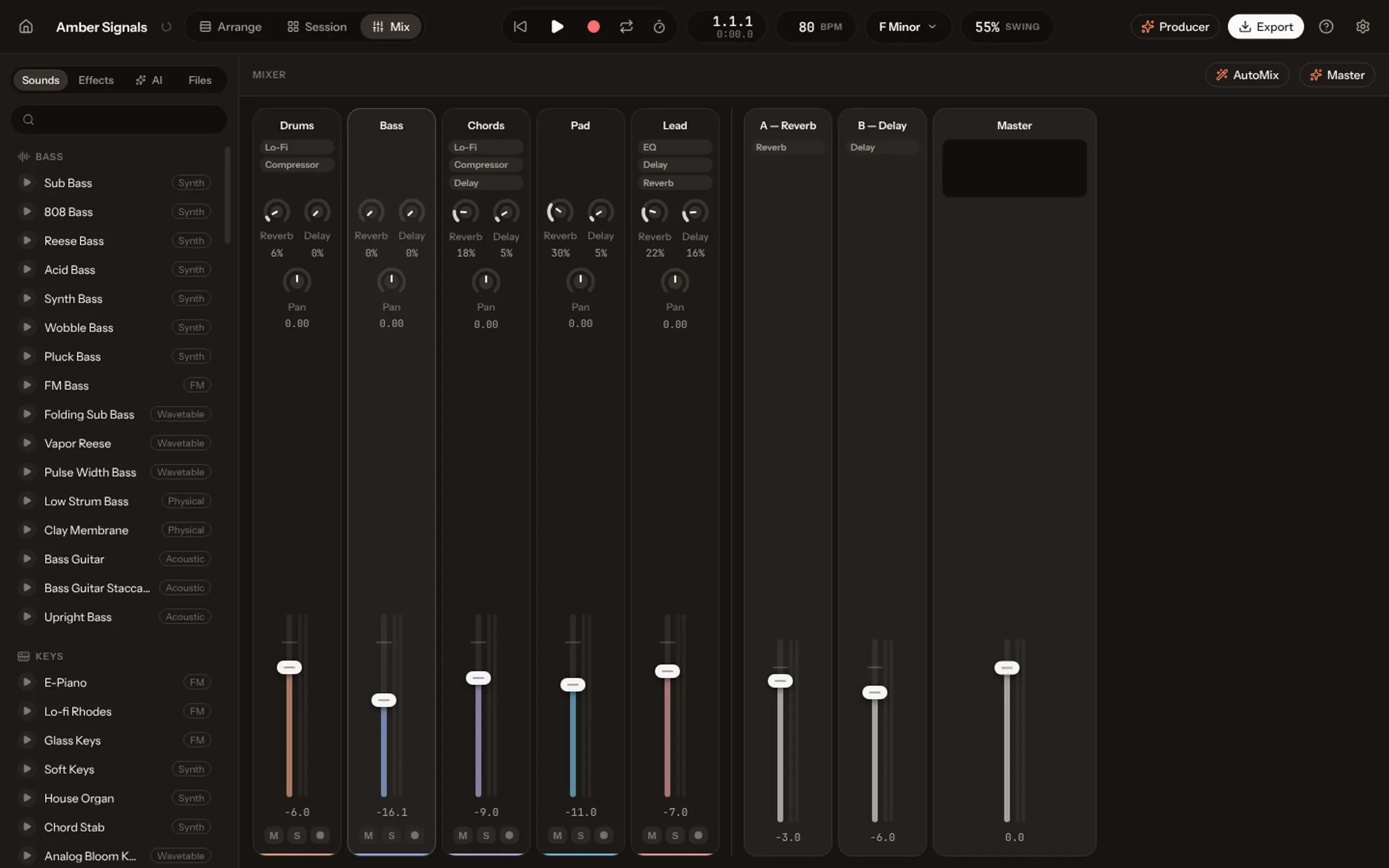
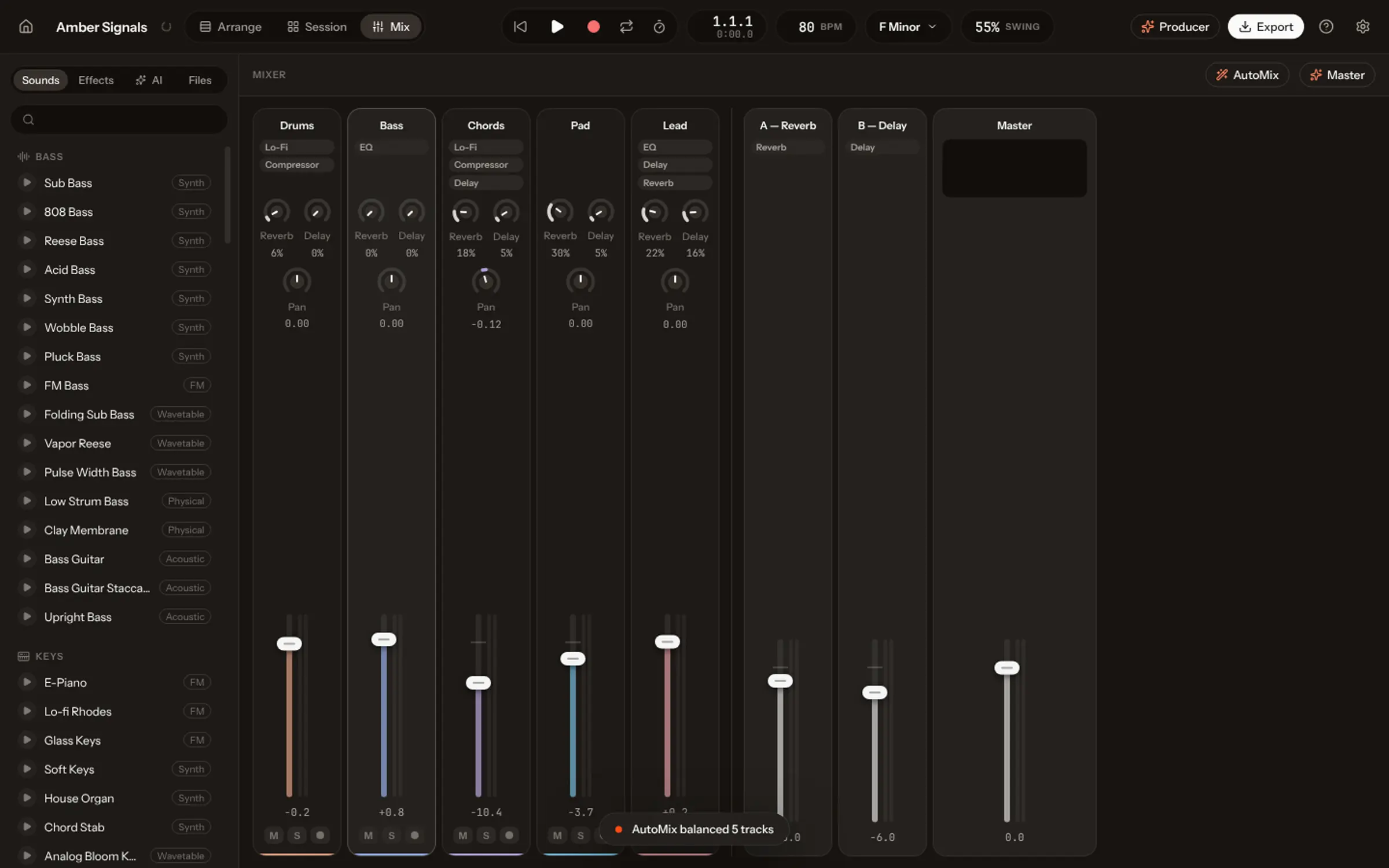
A mixer with sends, returns and a master chain. AutoMix balances every track for the genre, mastering takes it to a loudness target, and it leaves as WAV, stems or MIDI.
Let your work flow.
However you start, it ends in the same studio, every part editable.
Start from anywhere
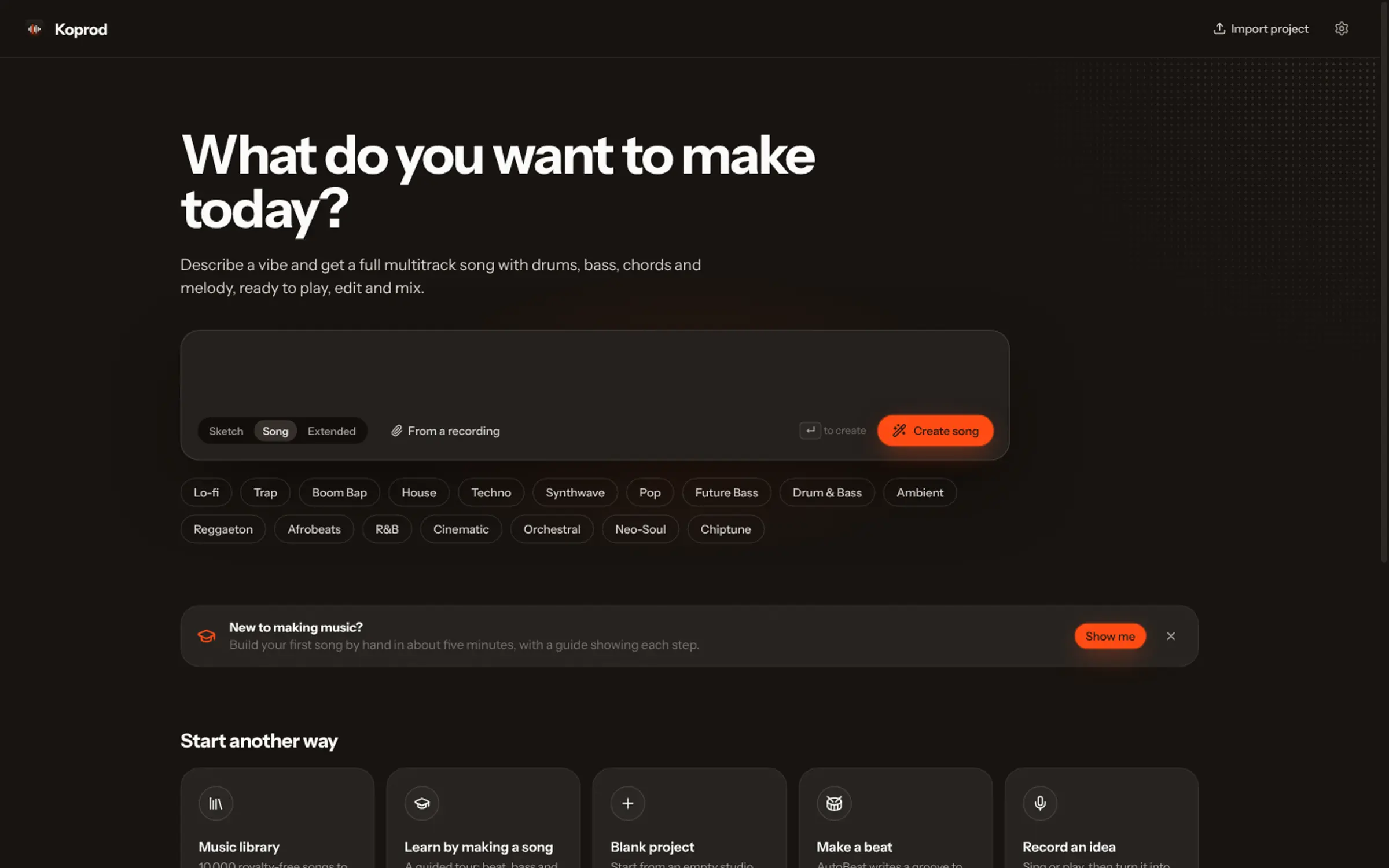
A sentence, a blank page, a beat, a recording, or audio and MIDI files you drop in.
Arrange or jam
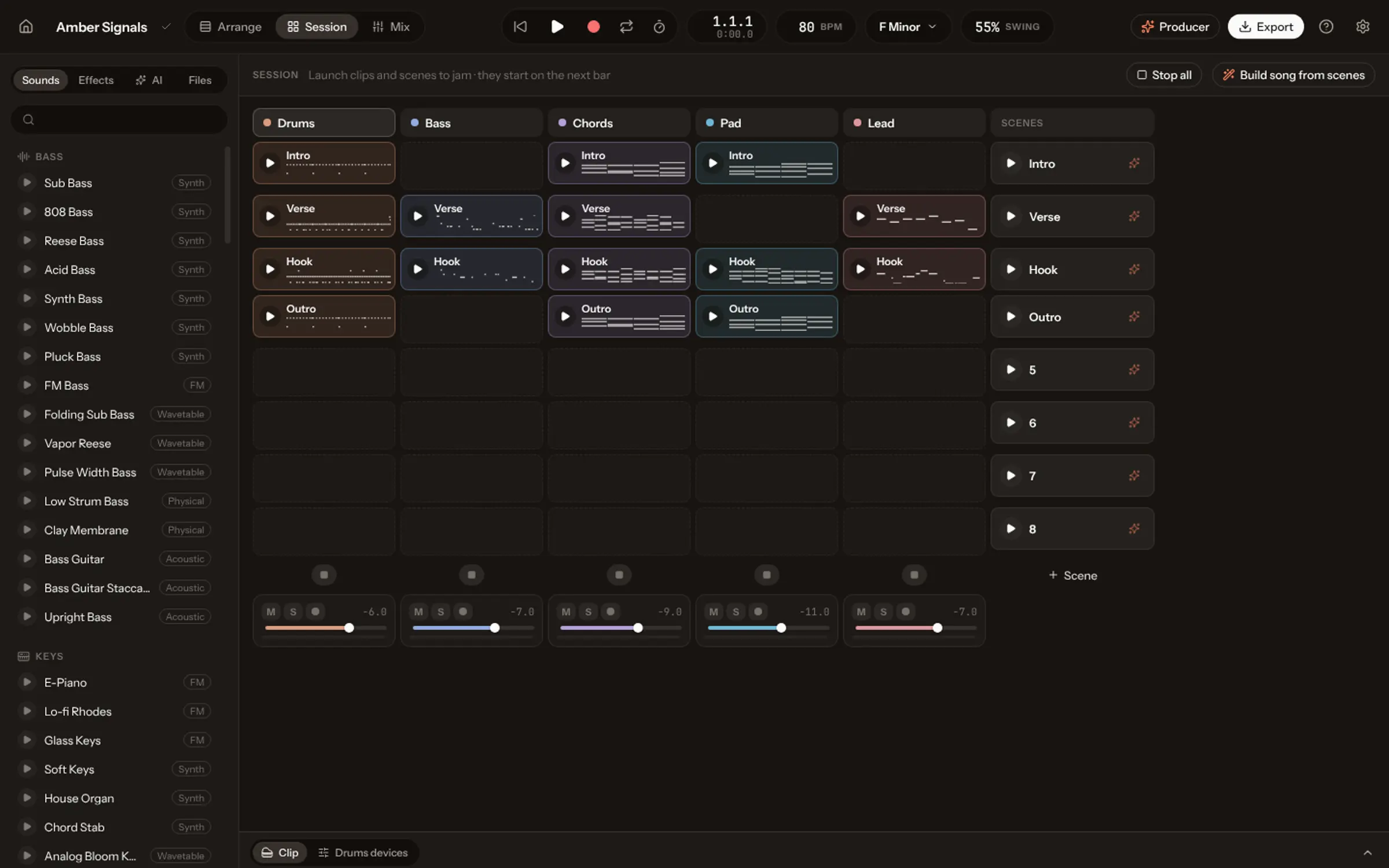
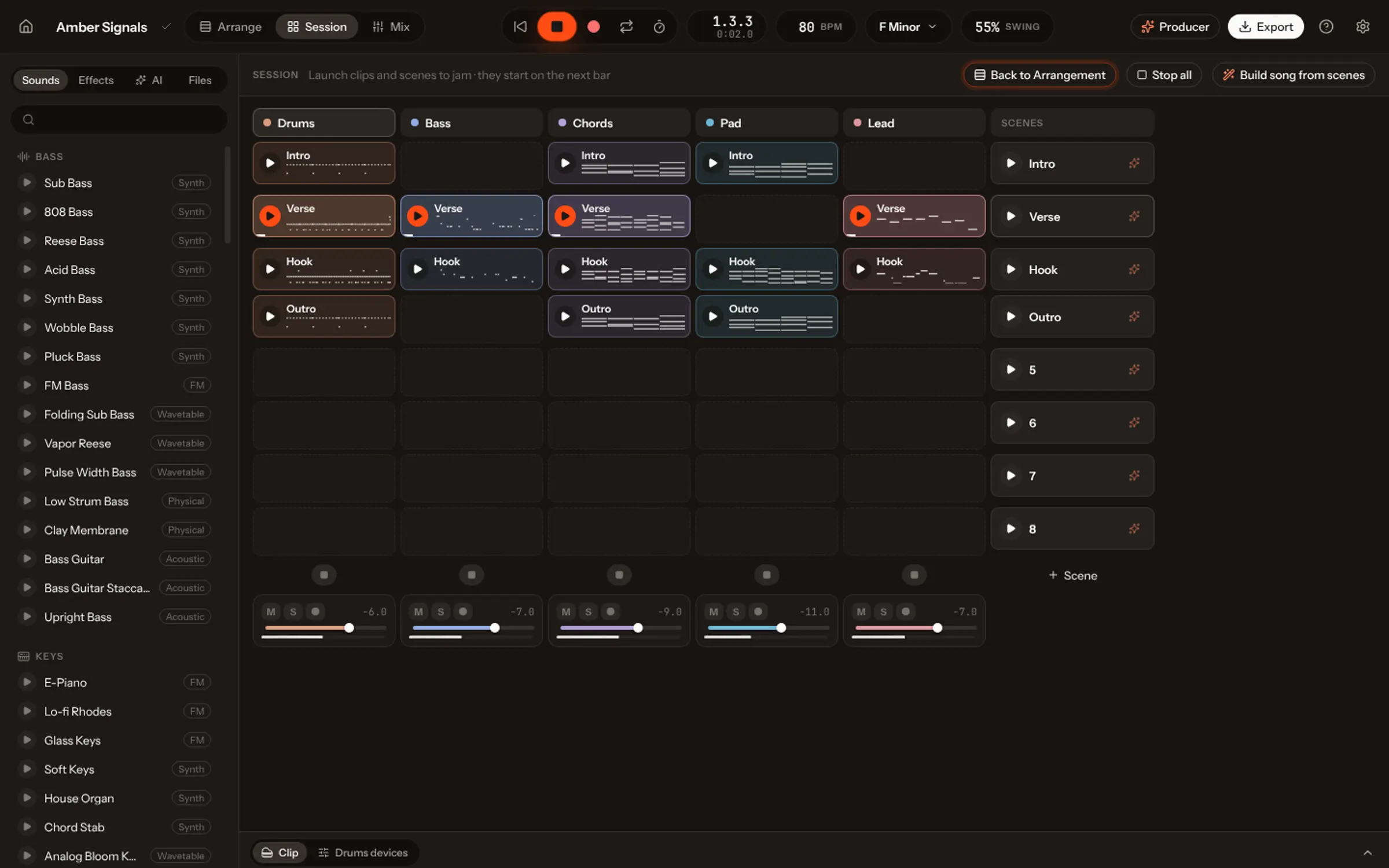
The whole song on a timeline, or clips and scenes to launch in Session, then record the take.
Automate any knob
Draw or record any knob, pan or send over time, and let the sound evolve.
Split a recording
Drop a song you own: vocals, drums, bass and the rest come back as tracks to edit.
Recorded instruments
72 multi-sampled instruments, with dynamic layers and real sustains: piano to timpani.
Take it with you
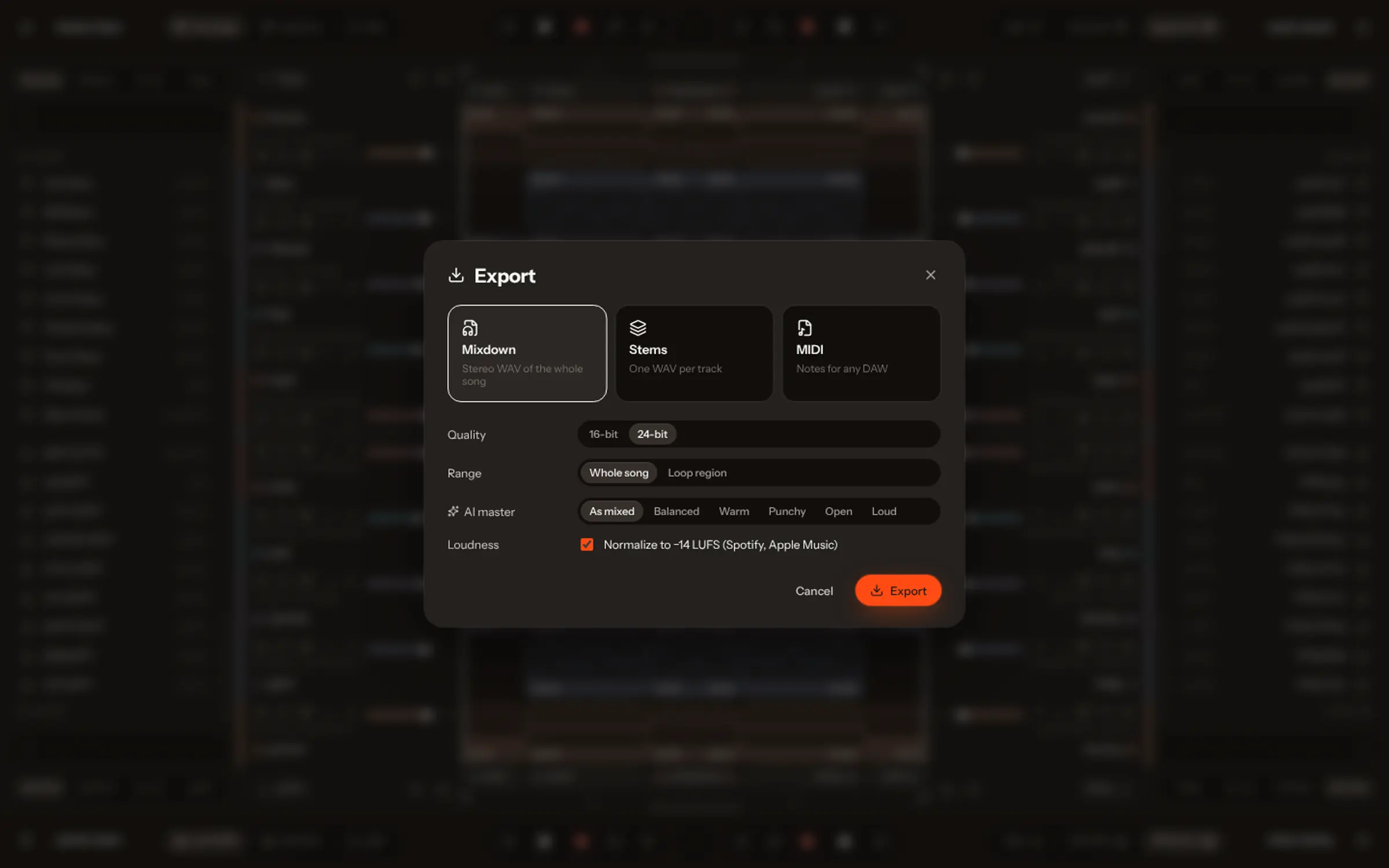
Export the song, a section or a selection, as WAV, stems or MIDI.
72 recorded instruments.
Multi-sampled, with dynamic layers and real sustains. They load only the notes a song uses.
- Grand PianoF0–E8
- Pipe OrganG#1–E7
- Drawbar OrganG#1–E7
- Jazz OrganG#1–E7
- Rock OrganG#1–E7
- Upright PianoG#0–E8
- AccordionG2–B5
- HarpsichordA#0–E6
- Honky-tonk PianoE0–D#8
- Soft PianoF0–E8
- WurlitzerF1–C7
- Electric GrandB0–D#8
- Clean Electric GuitarG#1–F6
- Jazz GuitarG#1–F6
- Distortion GuitarG#1–F6 · Normal, Palm Mute
- BanjoB1–D#5
- Nylon GuitarD#1–E6
- UkuleleG#3–E6
- Bass GuitarA0–G4 · Sustain, Staccato
- Upright BassG#0–C#4
- TR-808 BassC1–G3
- Voice AahA#1–D4
- Studio Drum Kit16 pads
- Brushes Kit12 pads
- Arena Drum Kit17 pads
- Rock Drum Kit14 pads
- TR-808 Kit19 pads
- Violin SectionD#3–F#6 · Sustain, Staccato, Pizzicato, Tremolo
- Solo ViolinD#3–E7 · Sustain, Staccato, Pizzicato
- Viola SectionG#2–F#6 · Sustain, Staccato, Pizzicato, Tremolo
- Cello SectionG#1–A5 · Sustain, Staccato, Pizzicato, Tremolo
- Double BassC1–D#4 · Sustain, Staccato, Pizzicato, Tremolo
- HarpC1–A7
- Folk HarpG#1–C7
- Dan TranhG2–D#6 · Normal, Tremolo
- Solo CelloG#1–E6 · Sustain, Pizzicato
- ErhuA#3–C#6 · Sustain, Staccato
- String EnsembleC1–F#6 · Sustain, Staccato, Pizzicato, Tremolo
- TrumpetC#3–E6 · Sustain, Staccato
- French HornF1–A5 · Sustain, Staccato
- TromboneF#1–A4 · Sustain, Staccato
- TubaC#1–F#4 · Sustain, Staccato
- Brass SectionC#1–E6 · Sustain, Staccato
- FluteG#3–E7 · Sustain, Staccato
- PiccoloD#5–B7
- OboeF#3–A6 · Sustain, Staccato
- ClarinetA#2–A6 · Sustain, Staccato
- BassoonF#1–G5 · Sustain, Staccato
- Tenor SaxE2–G#6 · Sustain, Vibrato, Staccato
- HarmonicaG#2–E7 · Sustain, Vibrato
- Alto RecorderC#4–G#6 · Sustain, Staccato
- OcarinaF4–F6 · Sustain, Vibrato
- BagpipeC#4–B5
- Alto SaxA2–C6
- Baritone SaxA1–C5 · Sustain, Staccato
- Woodwind EnsembleF#1–E7 · Sustain, Staccato
- Sax SectionA1–G#6 · Sustain, Staccato
- GlockenspielD#5–E8
- XylophoneD#4–E8
- Concert MarimbaC#2–E7
- TimpaniD2–A3 · Hit, Roll
- Tubular BellsG#3–A5
- Acoustic KalimbaC#3–F5
- Hang DrumF3–F#5
- VibraphoneC#3–G#6 · Soft Mallets, Hard Mallets
- BalafonA3–A6
- MbiraF#2–F6
- Hand ChimesG#3–E7
- Steel DrumsG#3–D#6
- Orchestral Percussion24 pads
- Latin Percussion15 pads
- World Percussion17 pads
What is Vocals Studio?
A music studio (a DAW) in your browser and in the Mac app: Arrangement and Session views, a piano roll, a drum sequencer, synths, recorded instruments, effects, a mixer and mastering, with an AI Producer in the side panel.
How do I start?
Press “Try it now”. Vocals walks you through your first song in the studio, step by step, for free. After that, the studio comes with Studio: €2.95 for 7 days, then €49.90 / month.
Can I play my own keyboard or controller?
Yes. Record MIDI from your computer’s keyboard or a controller, with an arpeggiator, chord mode and scale lock, and audio from a microphone.
Can I bring in my own audio or stems?
Yes. Drop audio or MIDI files; several files at once line up on their own tracks. Or split a recording you own into editable parts.
What can I export?
The song, a section or a selection, as WAV, stems or MIDI.
Does it run on a Mac?
Yes: in the browser, and in the Mac app (macOS 13 or later, Apple silicon and Intel), which comes with Studio.