Score a video
Drop a video. Get its soundtrack.
Vocals finds the cuts, reads the mood of each scene, and writes a song that changes when the picture does and ends when it ends.
Try it nowIt finds every cut.
Drop the video on the prompt box, with a few words if you like. Vocals finds each scene on your computer, frame by frame: the video itself never leaves it.
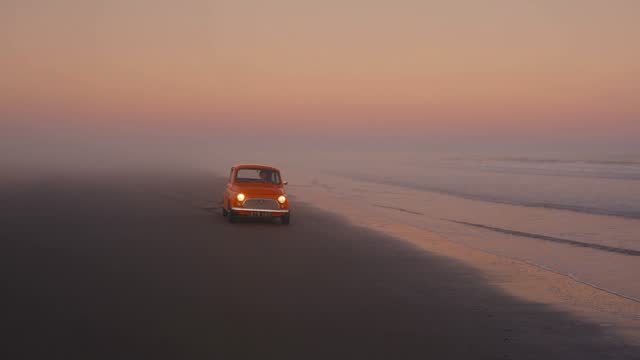
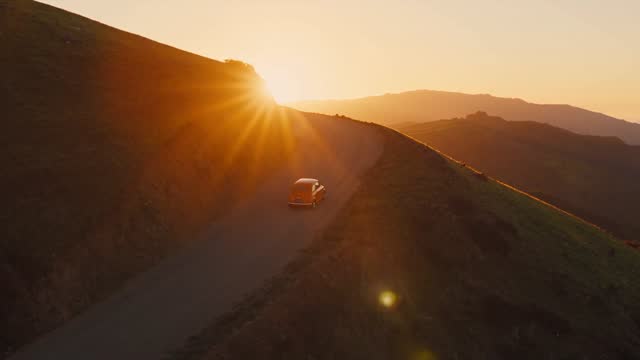
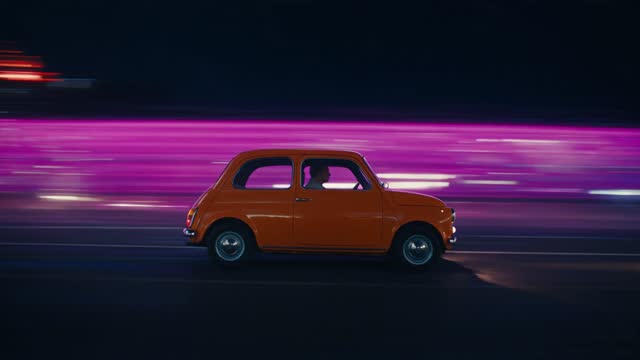
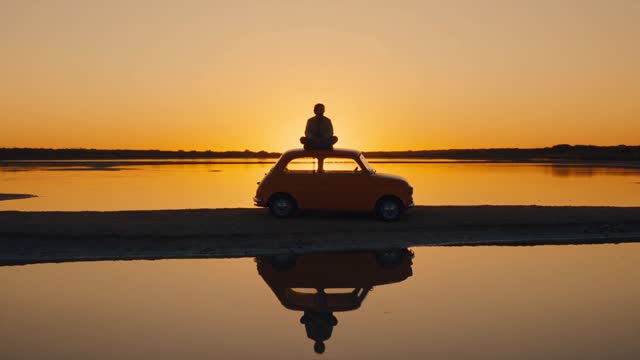
It reads every scene.
One still per scene goes to the AI, which reads its mood and its energy, and the story of the whole: calm, then rising, then all in, then letting go.
The music changes on the cuts.
Vocals picks the tempo that puts every cut on a bar line, lays the song’s sections on the scenes, and ends the song with the video.
- Every part editable: it’s a normal Vocals song, notes, sounds and all.
- In sync while you work: the video plays in the studio as you change it.
Post it, or finish it in your editor.
Download an MP4 with the song as its sound, made on your device, the picture copied as it is. Or export the song and place it under your video in CapCut, Premiere, Final Cut or DaVinci Resolve.
Is my video uploaded?
Not to make the music: Vocals finds the cuts on your computer, and only one still frame per scene goes to the AI, to read its mood. The video is uploaded only if you publish your song as the video.
How does the music follow the cuts?
Vocals picks the tempo that puts the cuts closest to bar lines, then lays the song’s sections on the scenes, so changes land on cuts and the song ends with the video.
Can I change the music afterwards?
Yes. It’s a normal Vocals song: every part, sound and note can change, and the video plays in sync while you work.
How do I put the music on my video?
On the web, download it as an MP4: your video with the song as its sound, ready to post. Or export the song as a WAV and place it under your video in your editor: CapCut, Premiere, Final Cut, DaVinci Resolve or any other.
Can I start from a photo?
Yes. Drop a photo instead and the AI reads its mood, then writes the song it suggests.