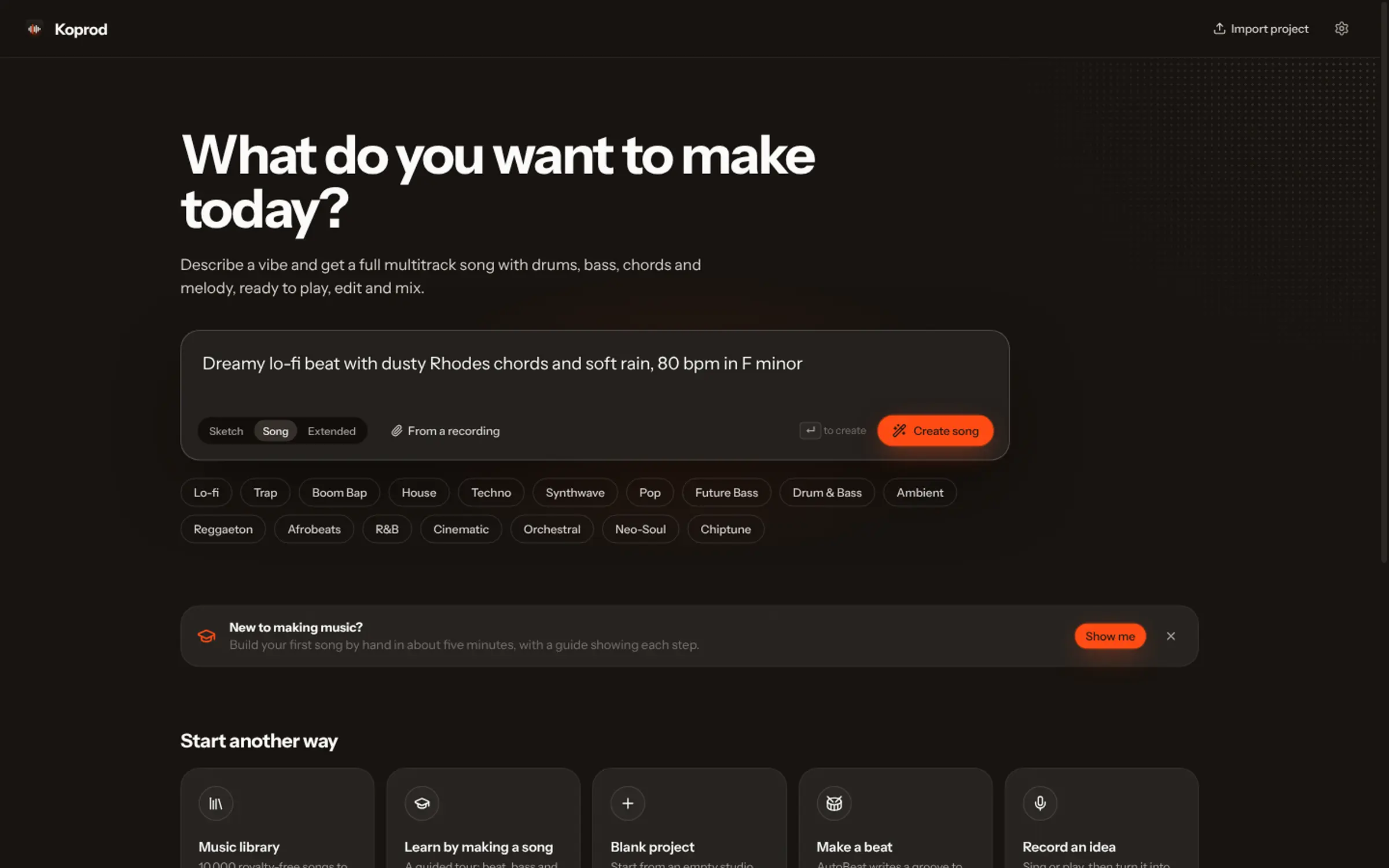
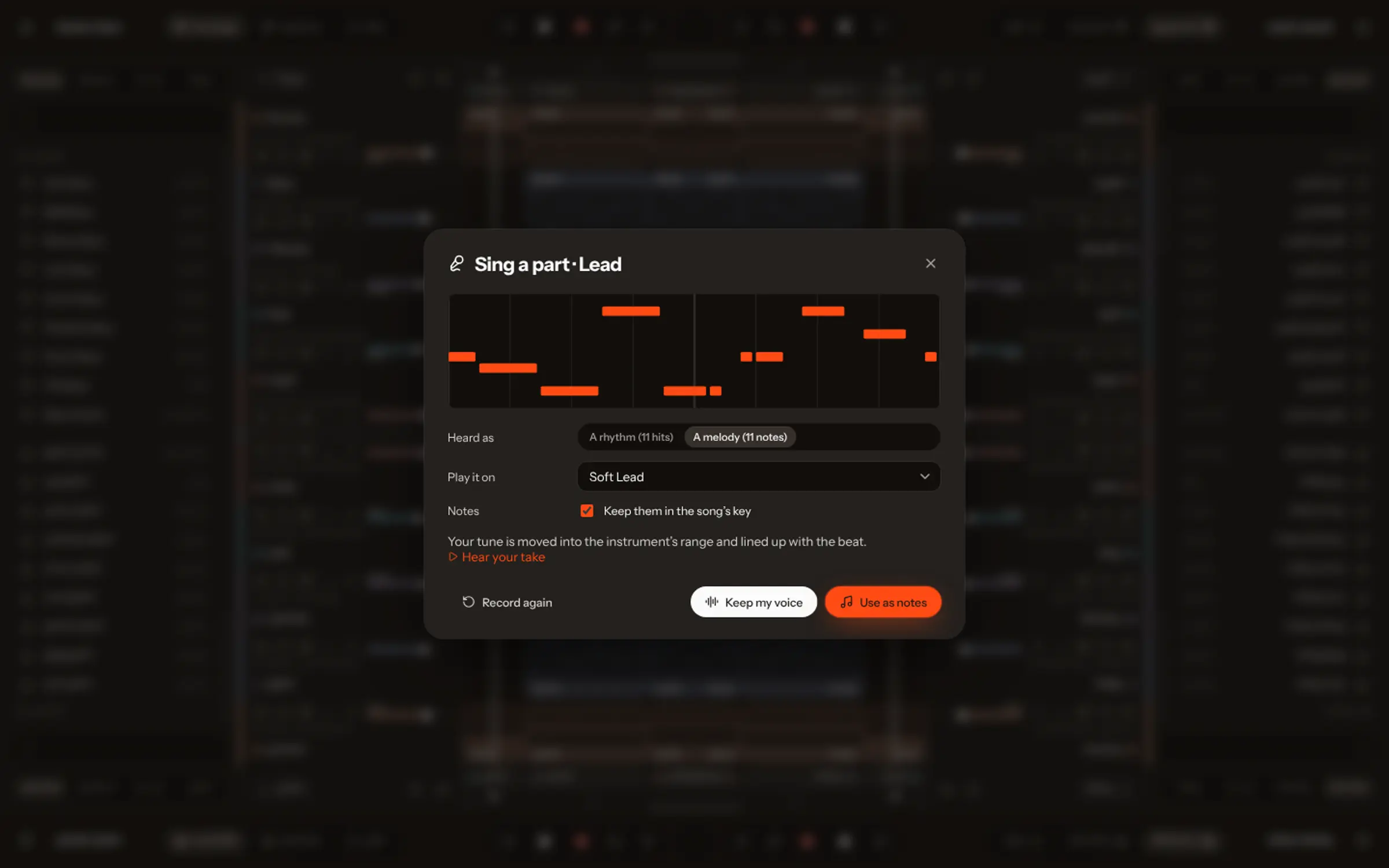
To edit an AI song you need it as separate tracks, not one mixed file. In Vocals, open the song in the studio: it is split into vocals, drums and bass, and each instrument it hears becomes notes on a track. Change any note, sound or level yourself, or ask the AI Producer in plain words; every change can be undone.
The first song an AI makes for you is rarely the last word. The chorus is great but the bass is busy; the drums are right but too loud; you want a guitar where the synth is. With most generators the only fix is to roll the dice again. That is fine for a demo, and frustrating for a song you care about.
Editing needs one thing a mixed audio file doesn’t have: separate parts. This guide shows how to get them and what you can do once you have them.
Why AI songs are hard to edit
A generated song is usually a single stereo file, like a finished CD track. Every instrument is baked together. Turning the bass down means pulling it back out of everything else, and changing a note means knowing which notes were played in the first place.
Two techniques solve that, and Vocals chains them:
- Source separation splits the mix into stems: vocals, drums, bass and everything else.
- Transcription listens to each stem and writes down what was played as notes (MIDI), instrument by instrument.
Open the song as tracks
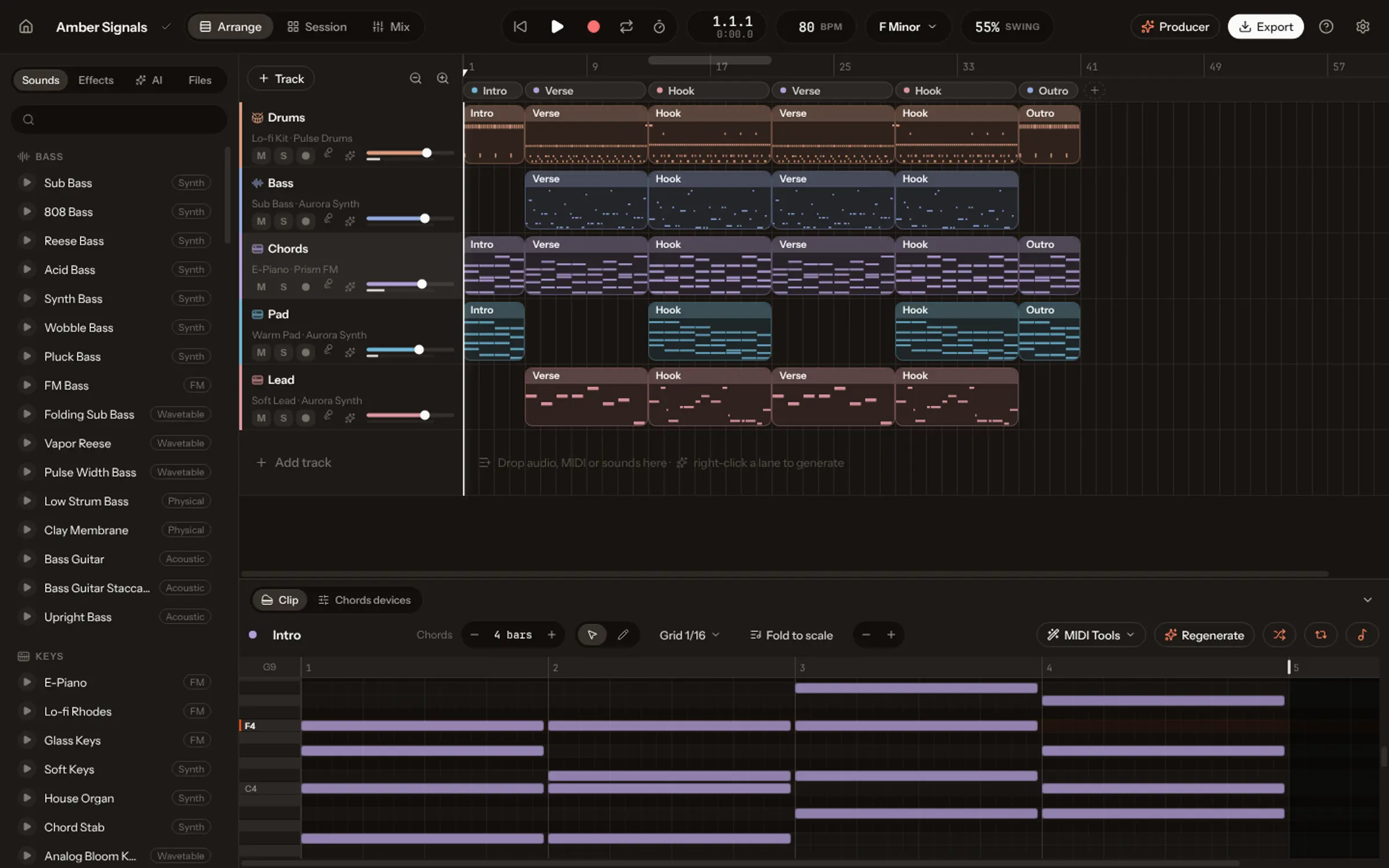
A song made with Coproducer v2.0 opens in the studio already split: press Studio on it. The vocal stays as audio on its own track. The drums, the bass and every instrument the AI hears (35 families, from acoustic piano and nylon guitar to strings, brass, woodwinds and synths) come back as clips of notes played by Vocals’ instruments. The original stems sit underneath, muted, so you can compare.
For a recording you made elsewhere, use Split & rebuild: drop the file and the same thing happens on your computer, without uploading it.
Change notes, chords and parts
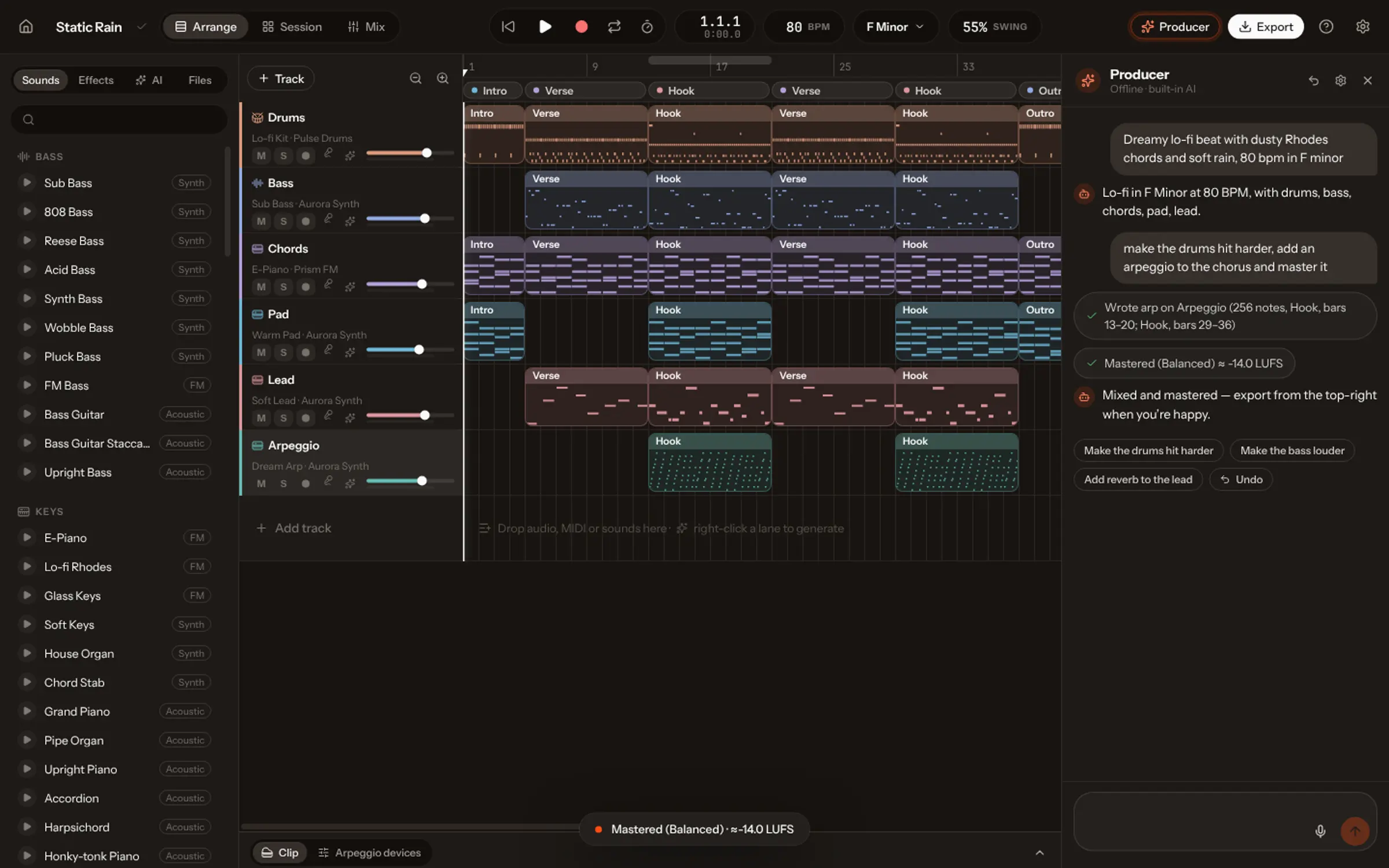
Double-click any clip to open it in the piano roll. Drag a note to change its pitch or timing, stretch it, delete it, draw new ones. Vocals has 31 MIDI tools for the bigger moves: quantize, humanize, harmonize, strum, arpeggiate, continue a phrase and more. The drum sequencer shows the beat as a step grid, so moving a snare is one click.
Change the sounds without touching the notes
Because each part is notes on an instrument, you can swap the instrument: the piano part on a Rhodes, the strings on a synth pad, the guitar on a harp. Vocals has 72 recorded instruments, synths and 7 synth drum kits, and 20 effects to shape them.
Ask the AI Producer in plain words
Not sure how to do it yourself? Open the Producer and say it the way you would to a person:
| You ask | What changes |
|---|---|
| “Make the drums hit harder” | The drum sound and its processing |
| “Add a counter-melody in the last chorus” | A new part, written to fit the chords |
| “The bass is too busy in the verse” | Fewer, longer bass notes in that section |
| “Mix and master it” | Levels balanced, then mastered to a loudness target |
Every change lands on your tracks where you can see it, is listed in the chat, and undoes like any other edit. One request at a time works best, and say where: “in the second chorus”, “from bar 17”. More in the Academy lesson on working with the Producer.
Mix, master and export
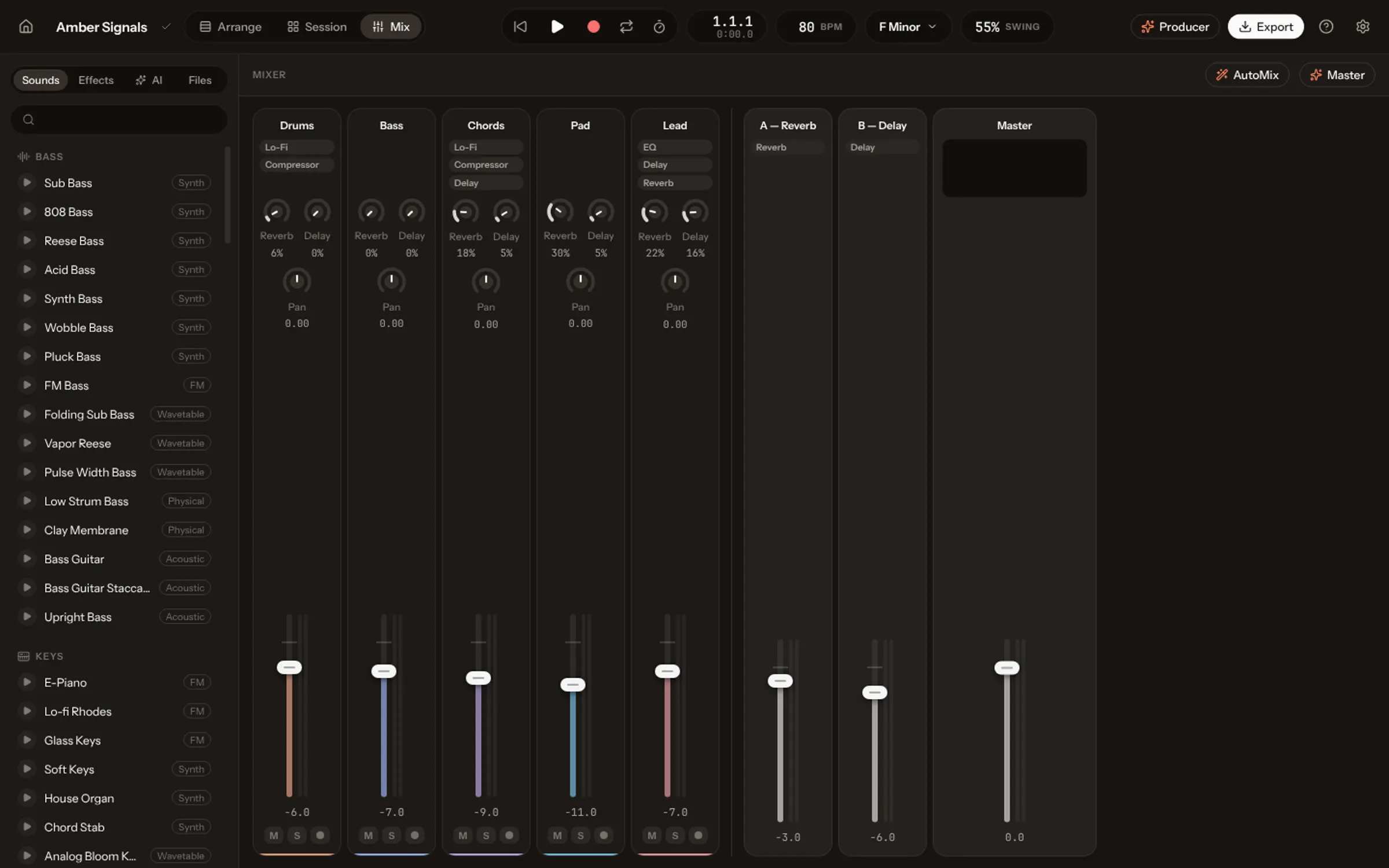
Balance the levels, solo a track to check it, open the mixer for a channel per track. AutoMix does a first balance for you; Master brings the song to −14 LUFS, the loudness streaming services play at. Then export a WAV or MP3, stems for a mixing engineer or a remixer, or MIDI for another DAW.
What you can’t do (yet)
Being honest about limits saves time. A sung vocal is a recording: you can cut it, move it and process it, but not rewrite its words note by note; for new words, make another take. The rebuilt parts are a new performance of the song on Vocals’ instruments, close to the original but not identical. And Vocals doesn’t load third-party VST or AU plug-ins yet; if you depend on them, export stems and finish in your usual DAW. The comparisons say where other tools are the better choice.