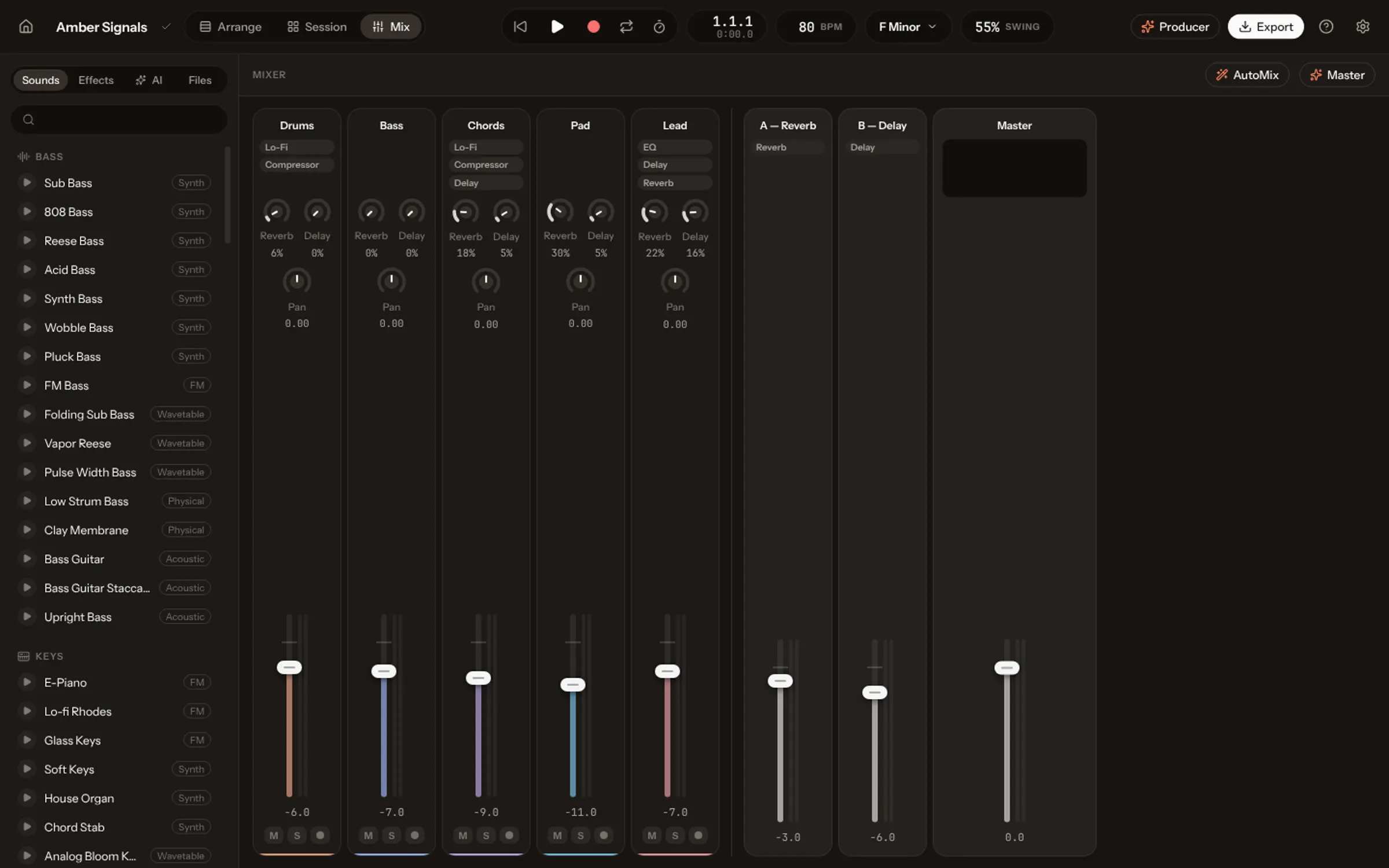
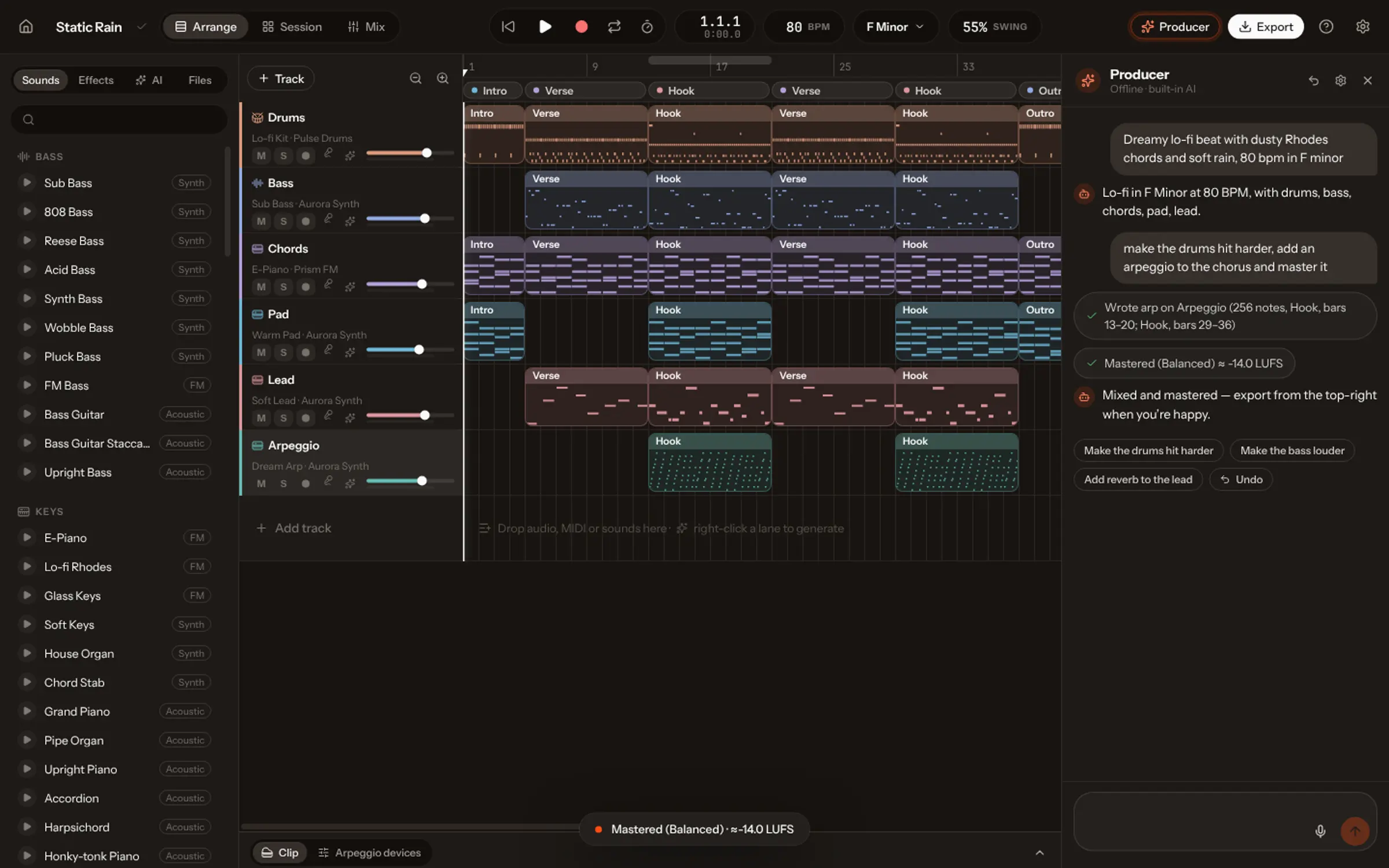
Voice to MIDI listens to a sung or hummed take, finds each note’s pitch and timing, and writes them down as MIDI that any instrument can play. In Vocals, press the mic on a track, sing 1 to 8 bars over your song, and the notes land in time and in key on that track’s instrument: any of 72 recorded instruments, the synths or a drum kit, where “boom, tch, ka” becomes kick, hat and snare.
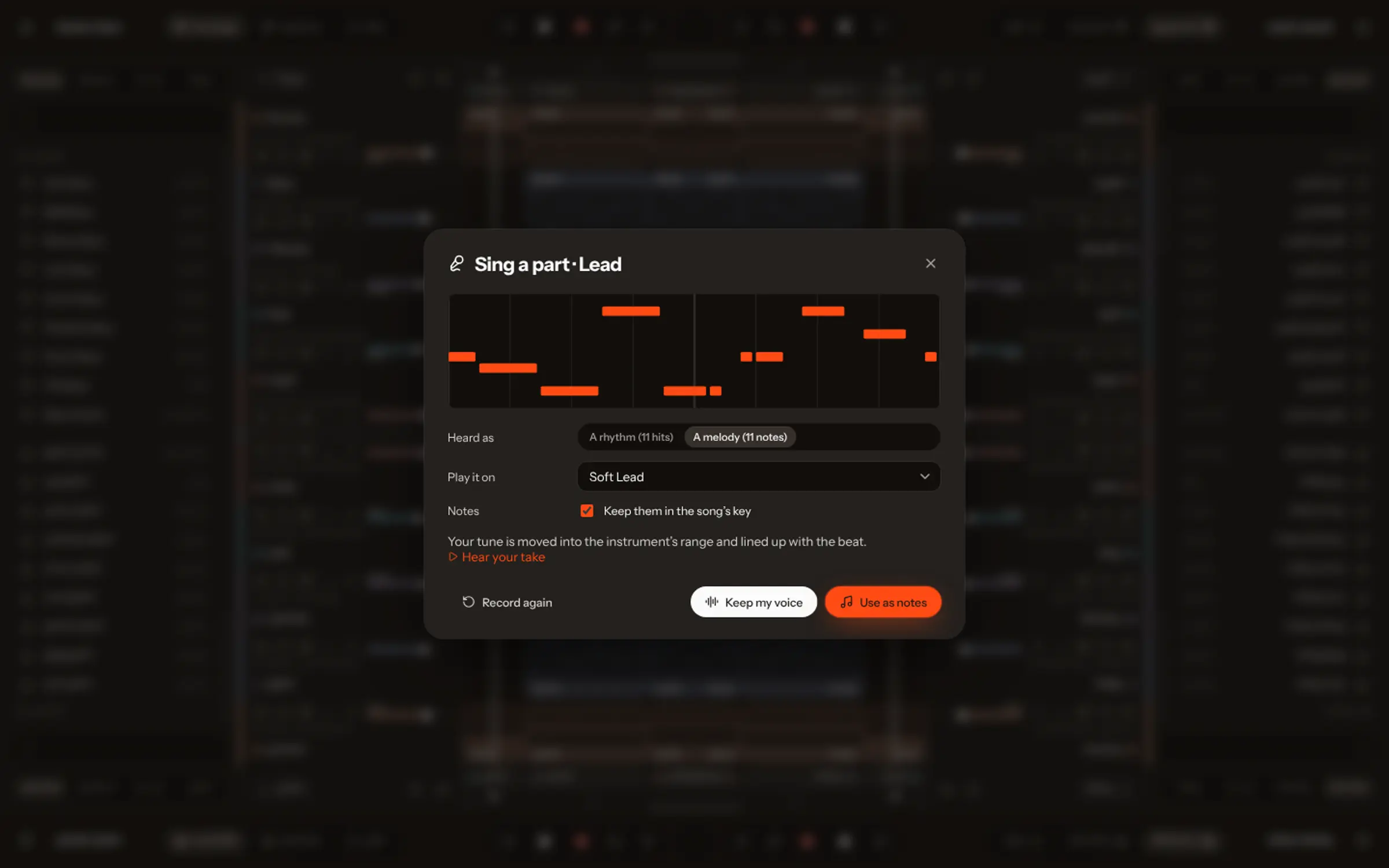
Everyone has hummed a melody they couldn’t play. The tune is right there, but turning it into music has meant learning an instrument, or describing it to someone who plays one. Voice to MIDI removes that step: you sing it, the computer writes it down, and any instrument plays it back.
How voice to MIDI works
MIDI is music as instructions: which note, when, for how long, how loud. Converting a voice into it means answering those questions from a recording, which is harder than it sounds, because singing is not made of clean notes. Voices scoop into a pitch, slide between two, wobble with vibrato on a long note.
Vocals hears each syllable and follows your pitch. Sing “la la la” and you get one note per “la”. The scoop, the slide and the vibrato stay inside their note instead of becoming a flurry of wrong ones. A new note also starts where your voice moves to a new pitch and stays there.
How to sing a part in Vocals
- Open your song in the studio and pick the track that should play the part.
- Press the mic on that track (every track has one).
- After a bar of clicks, sing, hum or beatbox along with the song, for 1 to 8 bars.
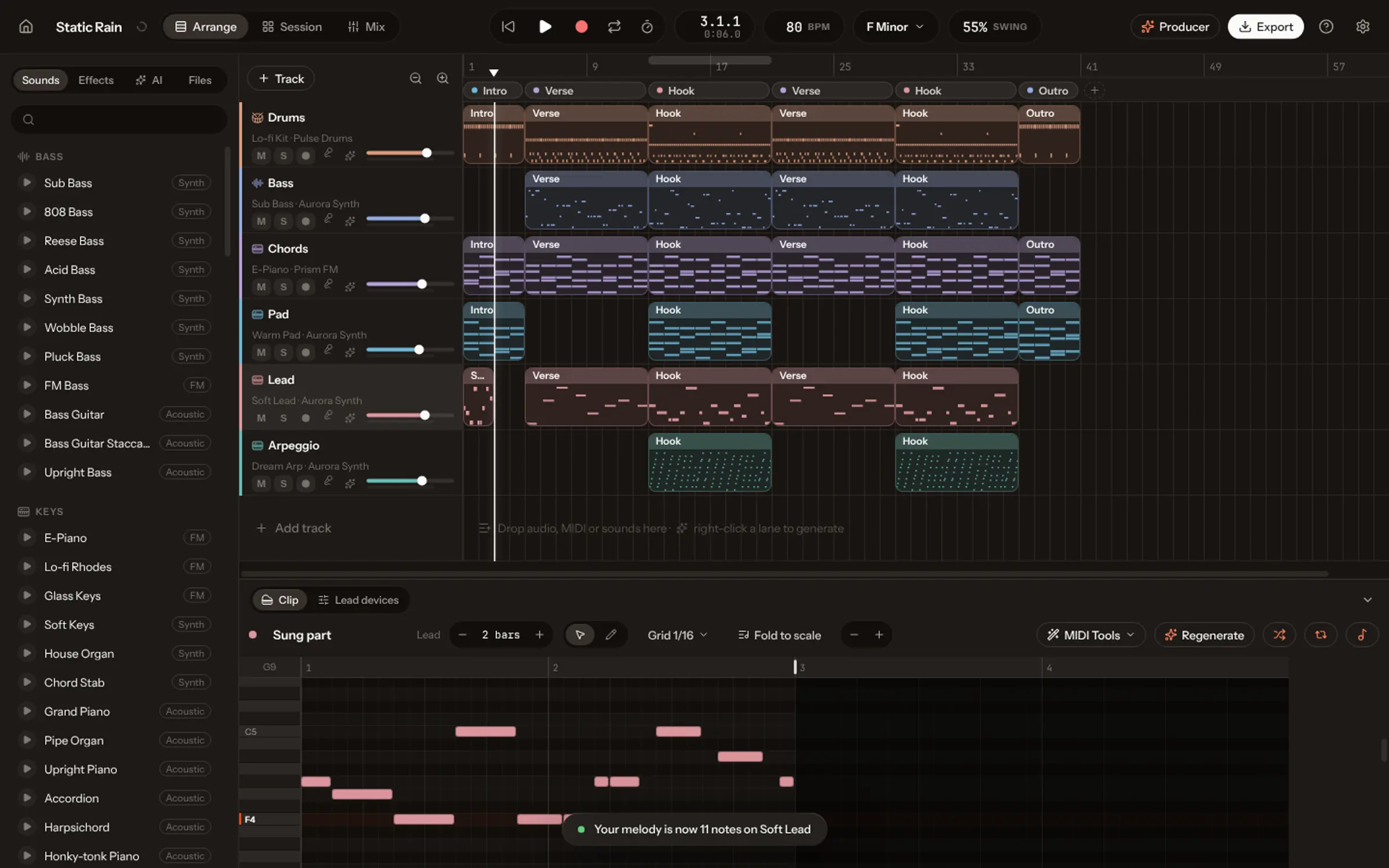
- Your take comes back as notes. Listen on the track’s instrument, and switch instruments until it fits.
- Keep it: the notes land in your song as a clip, every one yours to move.
In time, in key, in range
| Vocals fixes | So that |
|---|---|
| Timing | Your notes line up with the beat of the song |
| Key | They move into the song’s key, or stay as you sang them if you prefer |
| Range | They move into the instrument’s register: a low hum can play a flute |
Beatbox a beat, or strum the chords
Choose rhythm instead of melody and your voice plays percussion. On a drum kit, a low “boom” is a kick, “ka” a snare, “tch” a hi-hat, on the 16th-note grid, with your accents kept: louder hits play louder. On any other instrument your rhythm strums the song’s chords, and on a bass it plays their roots.
Which instruments can play your voice
Any in Vocals: 72 recorded instruments, from grand piano, solo violin and alto sax to erhu and ocarina, plus every synth and drum kit in the studio. The fun part is trying the same tune on five of them.
Tips for a clean take
- One syllable per note. “La la la” or “da da da” is easier to read than one long held vowel.
- Wear headphones, so the song doesn’t leak from your speakers into the mic.
- Sing short phrases. Two bars at a time, then the next, beats one long take.
- Don’t worry about pitch. Timing and key are fixed for you; you can move any note afterwards.
Prefer to ask? In the Producer’s chat, press the mic and say “add a guitar that sounds like this”, then hum it. Vocals finds the tempo you hummed at, fits it to the song and writes the part.
What people use it for
- A melody stuck in your head: hum it before it’s gone, hear it on a piano, build the song around it.
- A drum groove you can’t program: beatbox it once, then tidy a hit or two in the step grid.
- A string or brass line for a song that needs one, without knowing how to write for those instruments.
- A new version of a part: right-click a clip, choose Replace with your voice and sing it the way you hear it.
What next
Once the part is notes, it is like any other: edit it in the piano roll, double it on a second instrument, or ask the Producer to harmonize it. To sing words rather than parts, see the Sing page, and the Academy lesson on singing a part into any instrument.