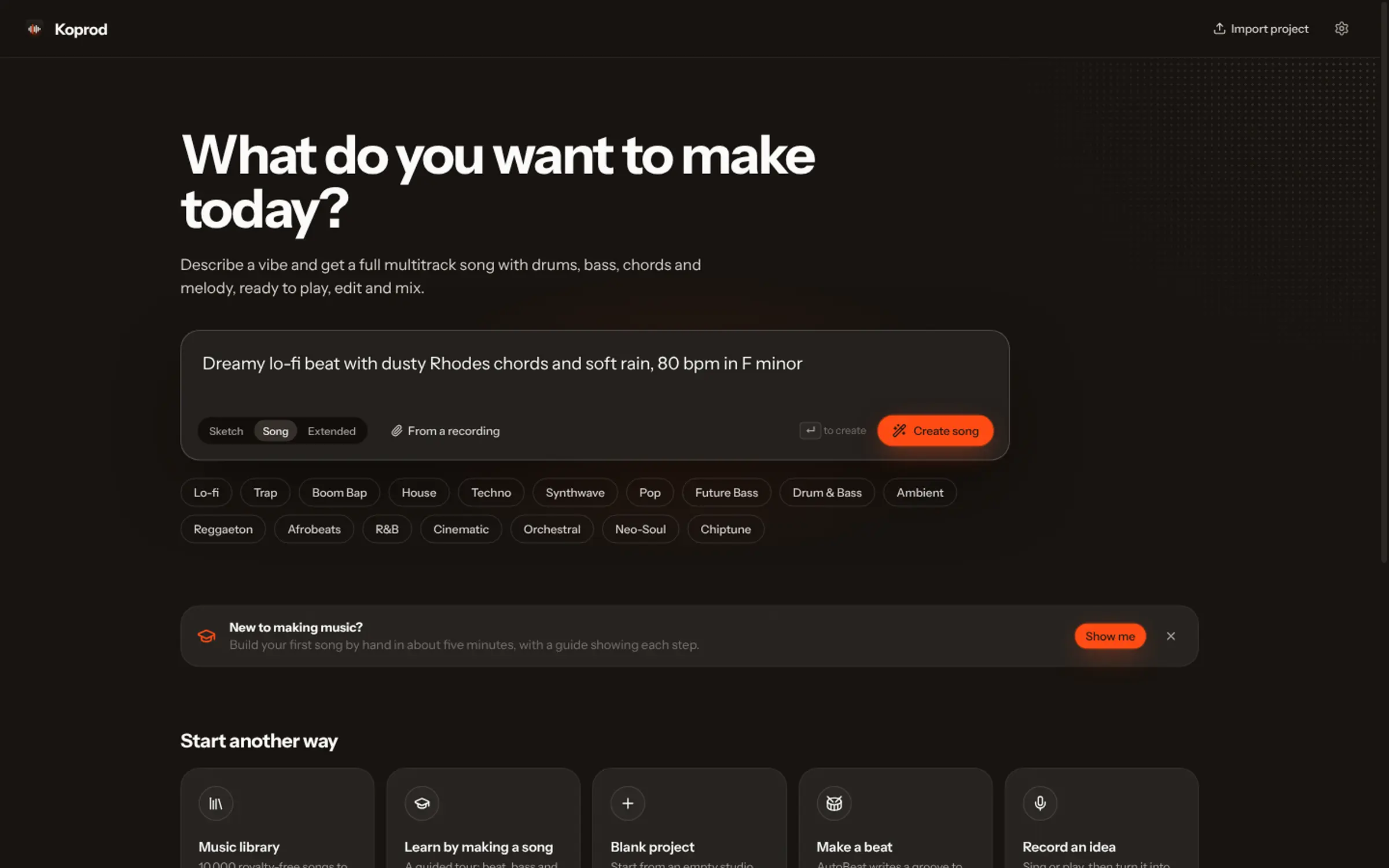
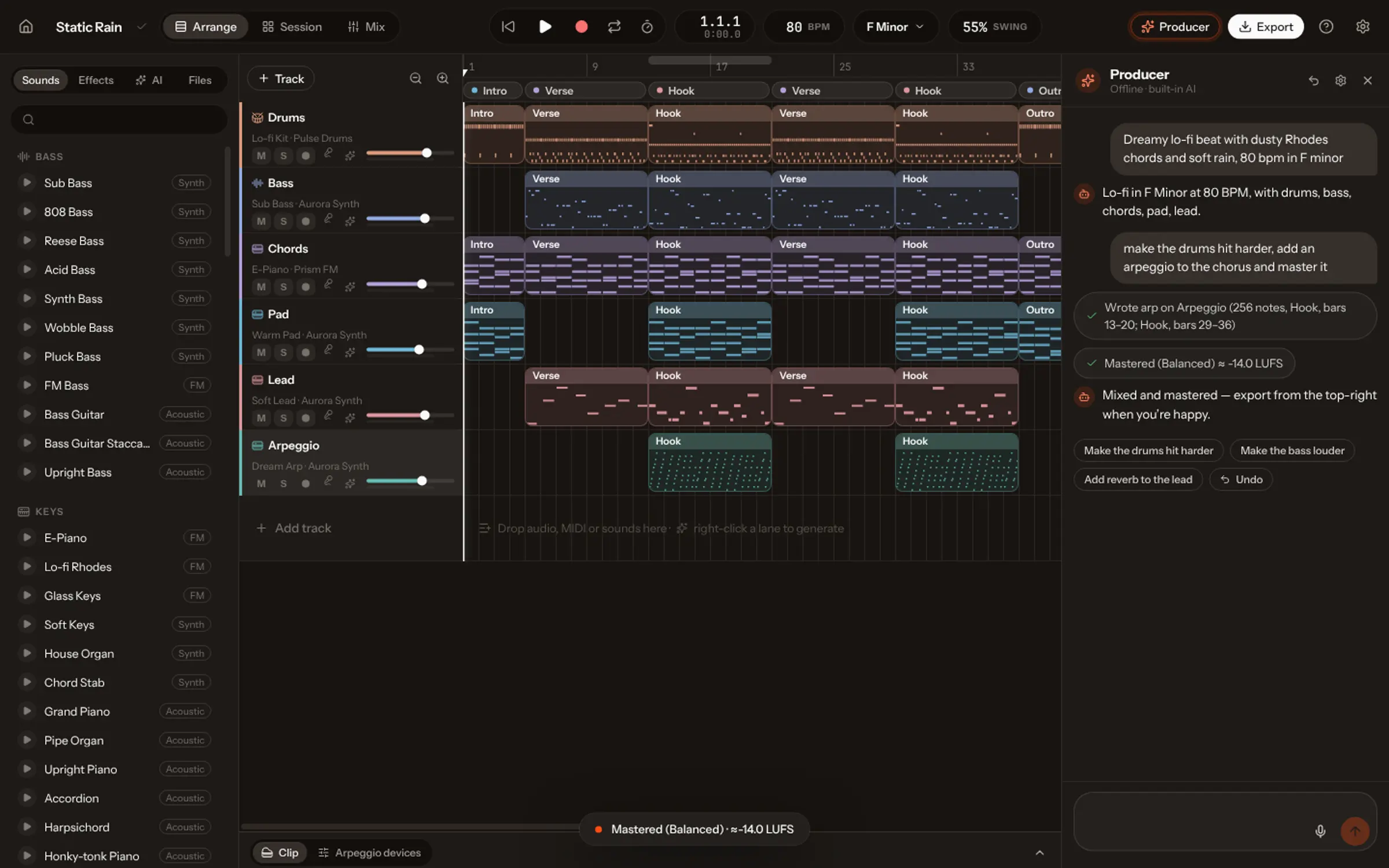
Yes, if the tool you used gives you the rights. Check its terms for ownership and commercial use, then upload through a distributor and follow its rules on disclosing AI. Songs made with Vocals are yours for commercial use with no royalties to Vocals: export a mastered WAV and release it. Your own edits, lyrics and arrangement also strengthen your claim to authorship.
You made a song with AI and it is good. Good enough to put out. Before you upload it, four questions are worth five minutes: who owns it, what the tool allows, what the law says about AI output, and what the platforms expect.
This guide is general information, not legal advice. Laws and platform rules are changing quickly; for a release that matters, check the current terms and ask a lawyer where you live.
1. Who owns the song?
Start with the terms of the tool you used, because they differ more than you’d think. Some free plans are for non-commercial use only, or keep ownership of what you generate; paid plans often grant commercial rights. Our comparison pages cite what each product’s plans say, with sources.
In Vocals the answer is simple: what you make is yours, commercial use included, with no royalties to Vocals, on every plan. A few of the recorded instruments ask for a credit; the Credits page lists them.
2. What copyright says about AI music
Owning a file under a tool’s terms and holding a copyright are different things. In the United States, the Copyright Office’s January 2025 report on copyrightability concluded that material generated entirely by AI isn’t protected, while human authorship is: lyrics you write, the way you select and arrange parts, the changes you make. Other countries are working through the same questions.
The practical takeaway: the more of the song is yours, the stronger your position. Writing your own lyrics, rewriting parts, re-arranging sections and mixing it yourself are both better music and clearer authorship. That is a good reason to open the song and edit it rather than release the first take.
| Your contribution | Example in Vocals |
|---|---|
| Lyrics | Write your own words, or rewrite the AI’s |
| Melody and parts | Hum a new part, rewrite a bassline in the piano roll |
| Arrangement | Move, cut and repeat sections; add or remove instruments |
| Sound and mix | Choose the instruments and effects, balance and master it |
3. What Spotify and the stores expect
Spotify, Apple Music and the other stores don’t take uploads from artists directly: you release through a distributor, which delivers the song and collects the streaming income. Each has rules about AI. In September 2025 Spotify announced a policy against unauthorised vocal impersonation, a filter against spam uploads (mass uploads, duplicates, very short tracks made to game royalties) and support for disclosing AI use in credits through the industry’s DDEX standard.
What that means for you:
- Never imitate a real artist. Vocals refuses those requests anyway.
- Release songs, not volume. A few finished songs beat hundreds of near-duplicates, for listeners and for spam filters.
- Disclose AI use honestly where your distributor asks.
- Read your distributor’s current AI policy before you upload.
4. Prepare the release
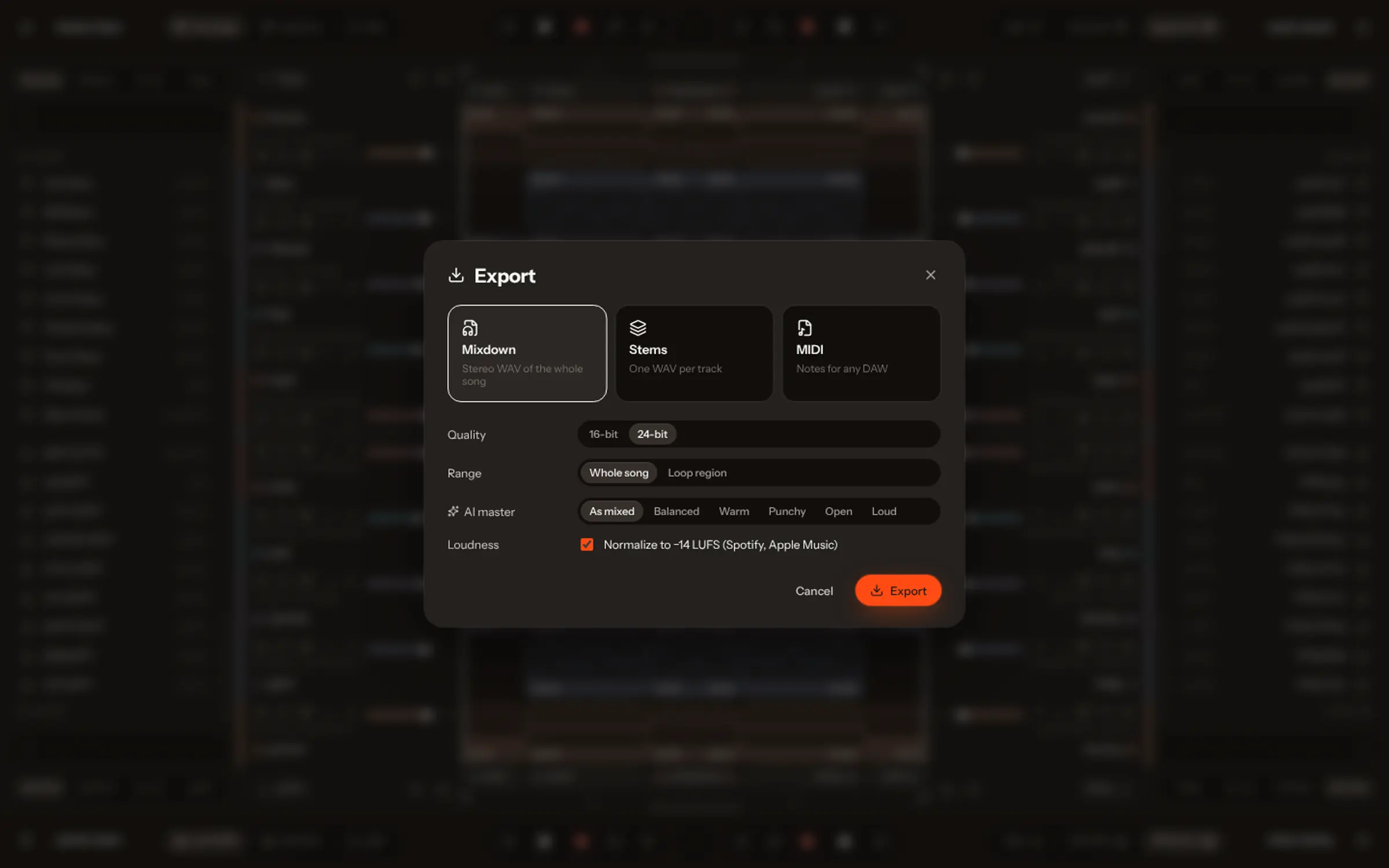
- Master it. In Vocals, Master brings the song to −14 LUFS, the loudness streaming services play at.
- Export a WAV of the mix. Keep the stems and the MIDI too, for remixes or a re-master later.
- Make the cover art in the size your distributor asks for, from your own image or the cover Vocals made.
- Fill in the credits: your name as the artist, songwriter credits for what you wrote, and any credit an instrument asks for.
- Pick a release date a few weeks out, so the stores can list it and you can pitch it to playlists.
Before and after the release
Share it early. Publish the song to your profile in the Vocals Community, post a hook as a short video, and make a 9:16 clip with its lyrics for Reels, TikTok and Shorts. After the release, put the store links on your profile. To make the next one, start from one sentence.