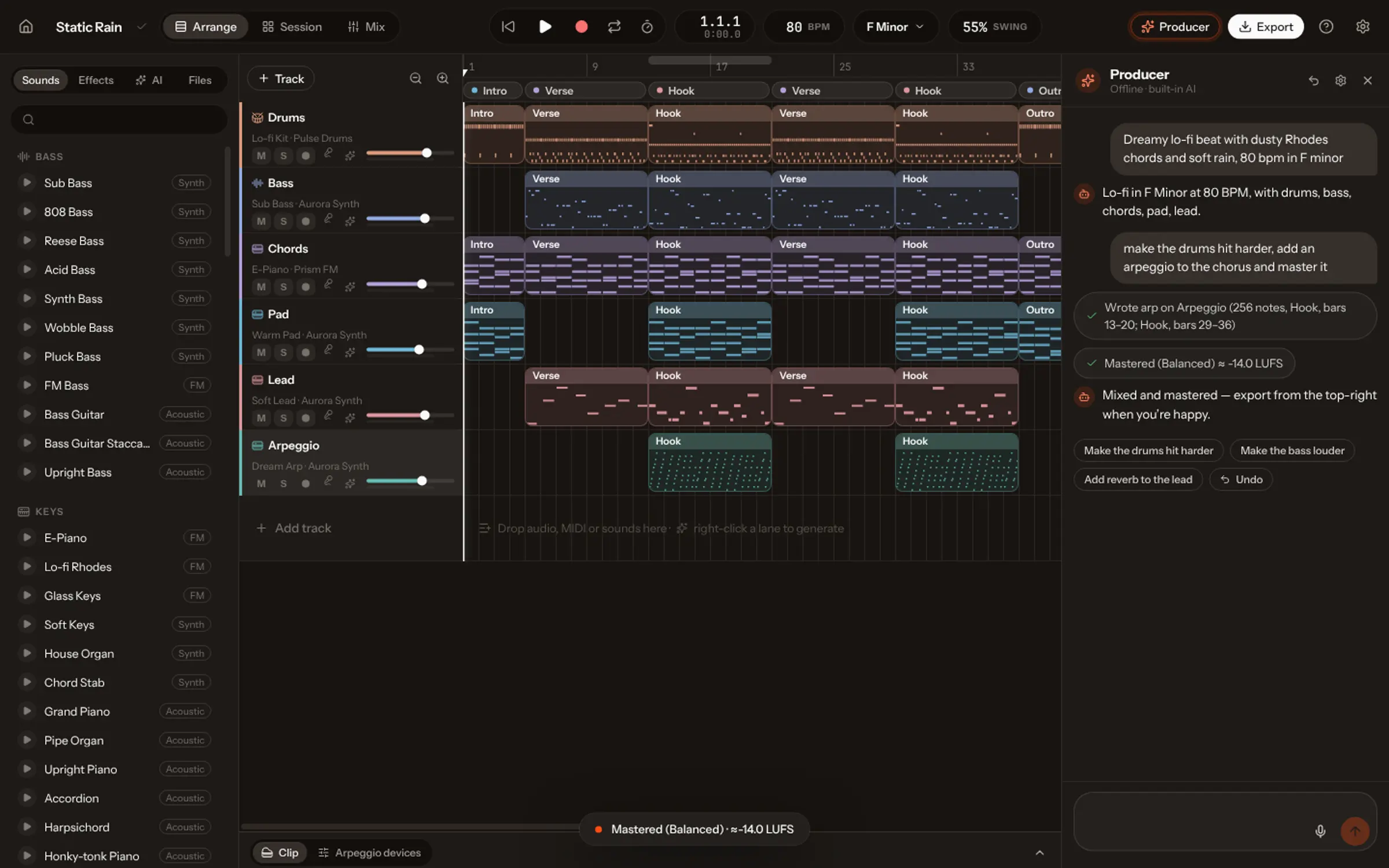
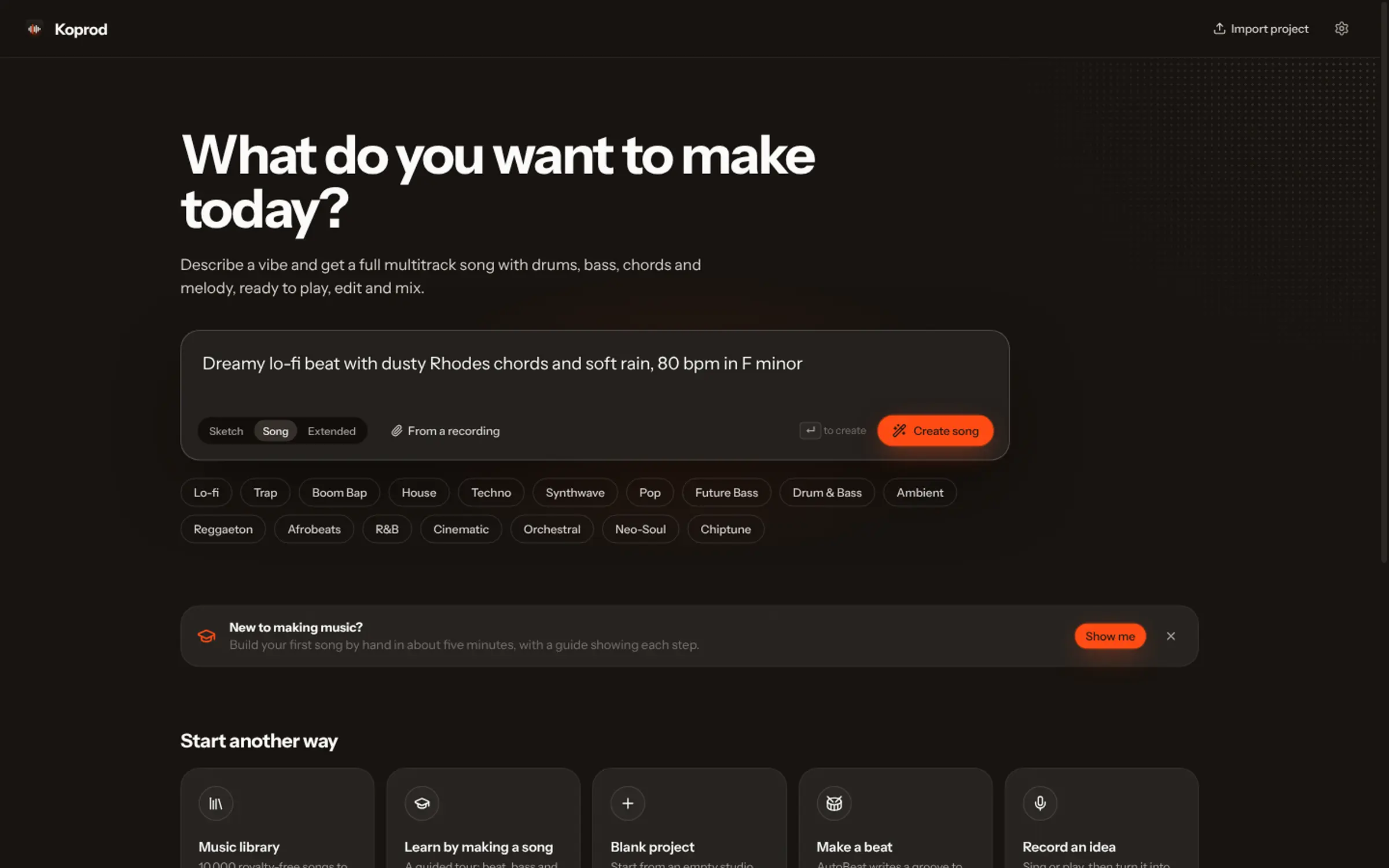
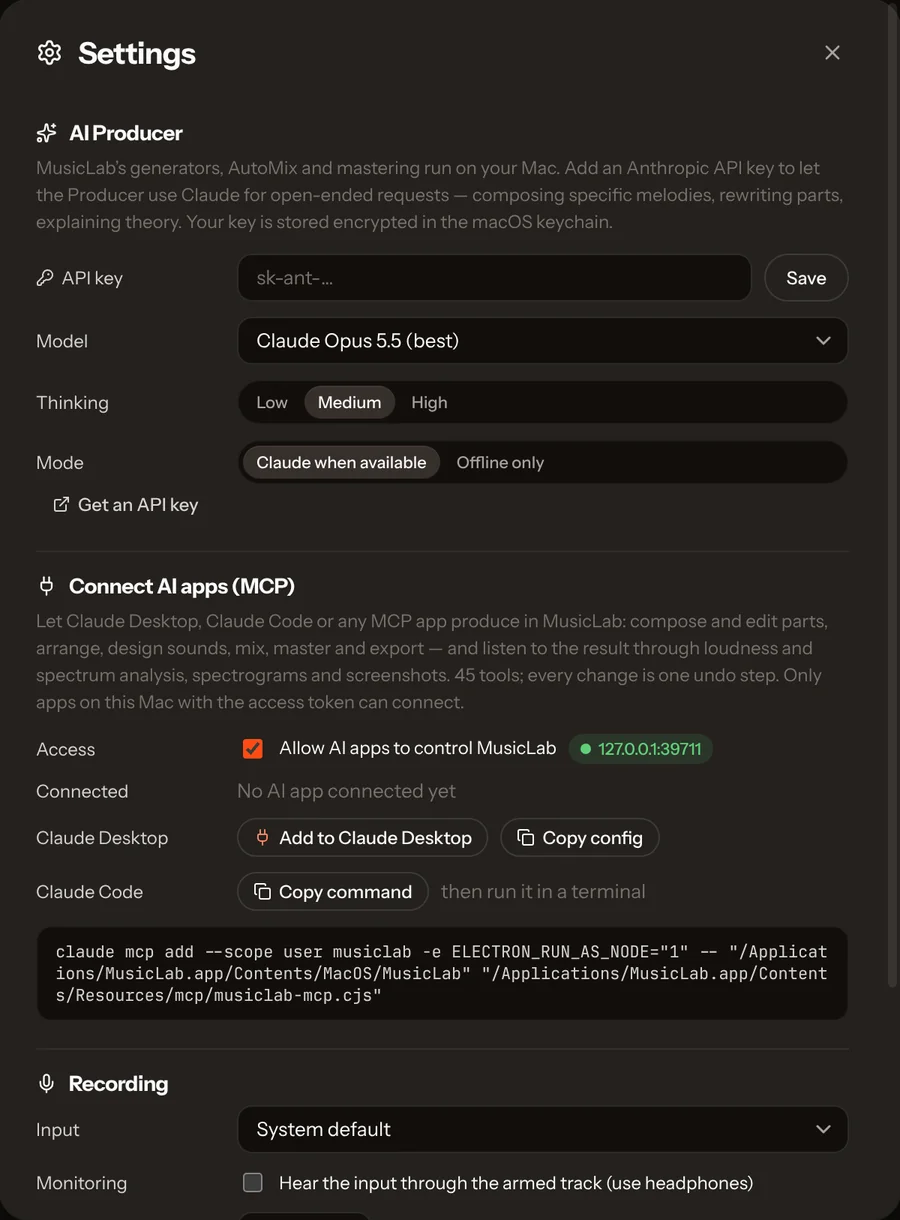
Claude can produce music through MCP, the protocol that lets it use apps’ tools. The Vocals Mac app is a built-in MCP server with 49 tools: in Settings, Connect AI apps, add it to Claude Desktop in one click or copy the command for Claude Code. Then ask for a song; Claude adds tracks, writes notes, mixes, masters, renders the audio and analyses it to fix what it hears.
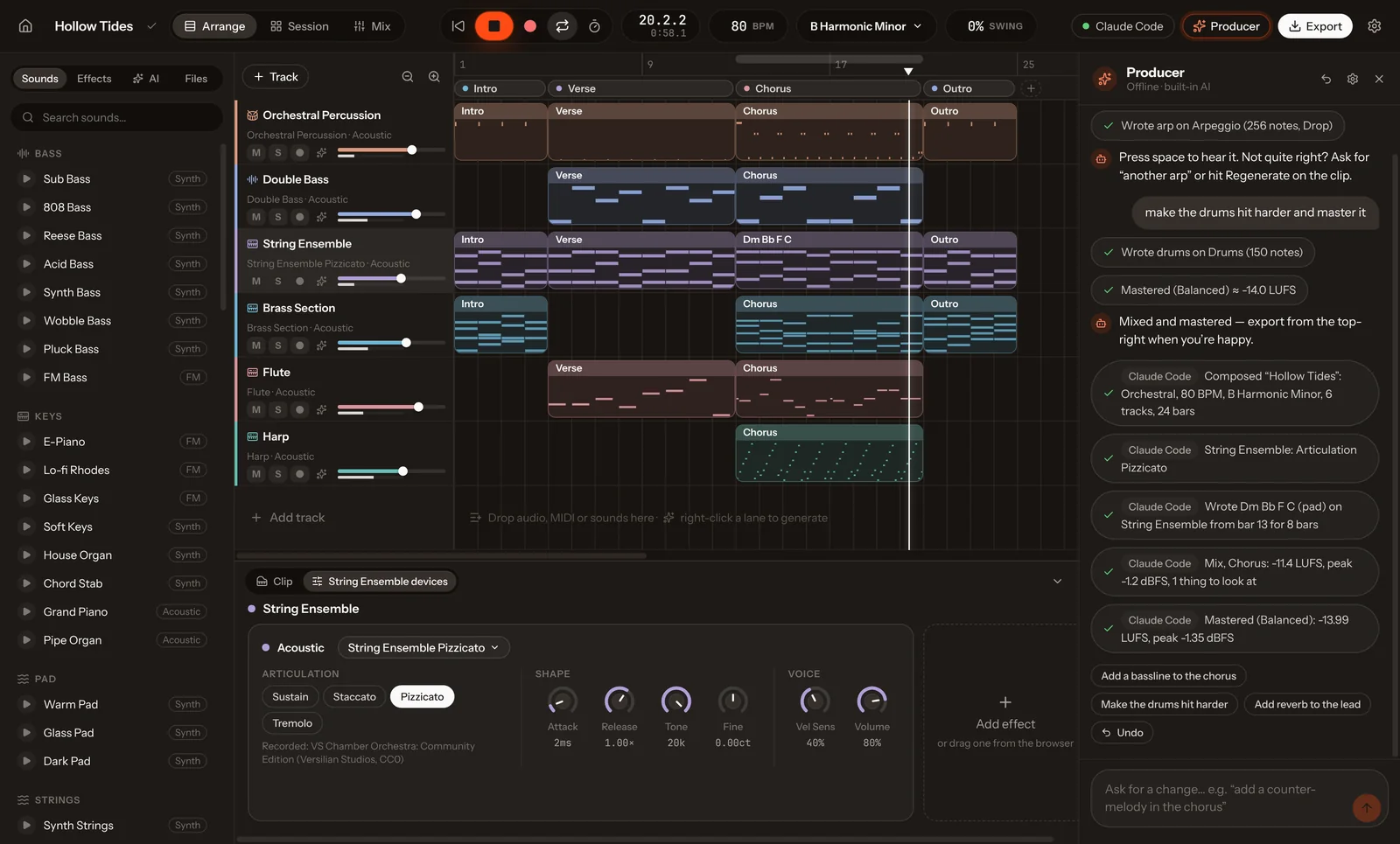
Language models can write a chord progression in text, but text isn’t music. To produce, an AI needs what a producer has: a studio, its instruments, a mixer, and ears. MCP, the Model Context Protocol, gives Claude the first three as tools. Vocals adds the fourth.
What MCP is, in one paragraph
MCP is an open protocol for connecting AI assistants to apps. An app that is an MCP server lists tools, each with a name and inputs, such as add_track or master; the assistant decides when to call them, and sees the result. Claude Desktop and Claude Code support it, as do a growing number of other AI apps.
Set it up in two minutes
- Download the Vocals app for Mac (macOS 13 or later, Apple silicon or Intel).
- Open Settings (⌘,) and go to Connect AI apps.
- For Claude Desktop, press Add to Claude Desktop, then restart Claude. For Claude Code, press Copy command and paste it in your terminal.
- Ask Claude for something: “Make a lo-fi beat with a Rhodes and a soft vocal chop.”
What Claude can do in Vocals
| Group | For example |
|---|---|
| Song and library | Open, create and save songs; set tempo, key and swing |
| Composition | Compose a whole song from a description; write chords from symbols or roman numerals |
| Clips and notes | Write notes or drum step grids; apply 31 MIDI tools |
| Tracks and sound | Add tracks, load any of 72 recorded instruments, add and tune 20 effects |
| Arrangement and Session | Set sections, launch scenes, turn scenes into an arrangement |
| Ears and eyes | Render any range and measure it; read the chords back; take screenshots |
| Mix, master, files | AutoMix, master to a loudness target, export WAV, stems or MIDI |
| Safety | Undo and redo any number of calls; run several calls as one atomic step |
The tools speak a musician’s language. Pitches are “Eb4” or “kick”, positions are “Chorus 2” or “last verse”, lengths are “1/8.” or “2 bars”, values are “-6 dB” or “1.2k”. That keeps Claude’s calls short and readable, and its mistakes rare.
The difference: Claude can listen
Most music tools for AI agents are remote controls: they can press buttons, but the model never hears the result. Vocals can render any range of the song and analyse it: loudness in LUFS, peaks, stereo width, the spectral balance and which tracks fill each band, and the chords actually sounding. So Claude can work like a producer: make a change, listen, and fix what is wrong. A typical reply: “Rendered and listened: the kick was masking the Rhodes, so I lowered it 2 dB.”
Built-in prompts give Claude a workflow to follow: produce_song (from an idea to a mastered song), mix_review (the three biggest mix problems, fixed one at a time), arrange_song, write_part and orchestrate.
Good things to ask
- “Produce a 90-second synthwave track at 100 BPM, then mix and master it.”
- “Listen to the mix and tell me the three biggest problems, with numbers. Then fix them.”
- “Write a string quartet part for the bridge, keeping each instrument in its real range.”
- “Turn these Session scenes into a full arrangement with a build-up and a drop.”
You stay in control
Claude works in the studio while you watch: each track it adds, each note it writes and each knob it turns appears on screen as it happens. Every call is one undo step, so you can step back through its work, and you can take over at any moment, edit by hand, then ask it to continue from there.
How it compares
For Ableton Live there is the community-made ableton-mcp; Suno, BandLab and GarageBand have no official MCP server for this. Our comparison with ableton-mcp goes through setup, tools and listening, with sources. The full tool list is on the MCP page, and the Academy has a lesson on Claude producing in Vocals.